Waves F6 vs. FabFilter Pro-Q 4 for Vocals: Which Should You Choose?

This article contains affiliate links. I may earn a commission if you buy through them.
A vocal can sound right for almost the whole verse, then one word jumps out and makes you want to turn the whole thing down. Before I start cutting top end, I’d see if I can catch that one spot and leave the rest of the take alone. That’s where I’d start with F6.
My pick for that job is Waves F6. If I can hear the same harsh spot jumping out on a few words, one dynamic band is where I’d start. Pro-Q 4 is the one I’d look at if the harshness moves around within the same part of the vocal and I want more control over which frequencies get pulled down.
| What you hear | What I’d try |
|---|---|
| The same harsh spot comes up on a few loud words | A single dynamic bell with F6 or Pro-Q 4 |
| A wider cut helps one word but makes another sound dull | Pro-Q 4 Spectral Dynamics within the problem area |
| One dynamic band already fixes it in your current EQ | Keep the EQ you already have |
See the current price of Waves F6 · See FabFilter Pro-Q 4
Start with the words that bother you
Loop a line with a word that jumps out and another that already sounds right. Leave the guitar or beat playing. On the kind of stripped-back vocals I make, you can hear pretty quickly when an EQ move takes some of the life out of the quieter words. The softer part of the line tells you whether you’ve gone too far.
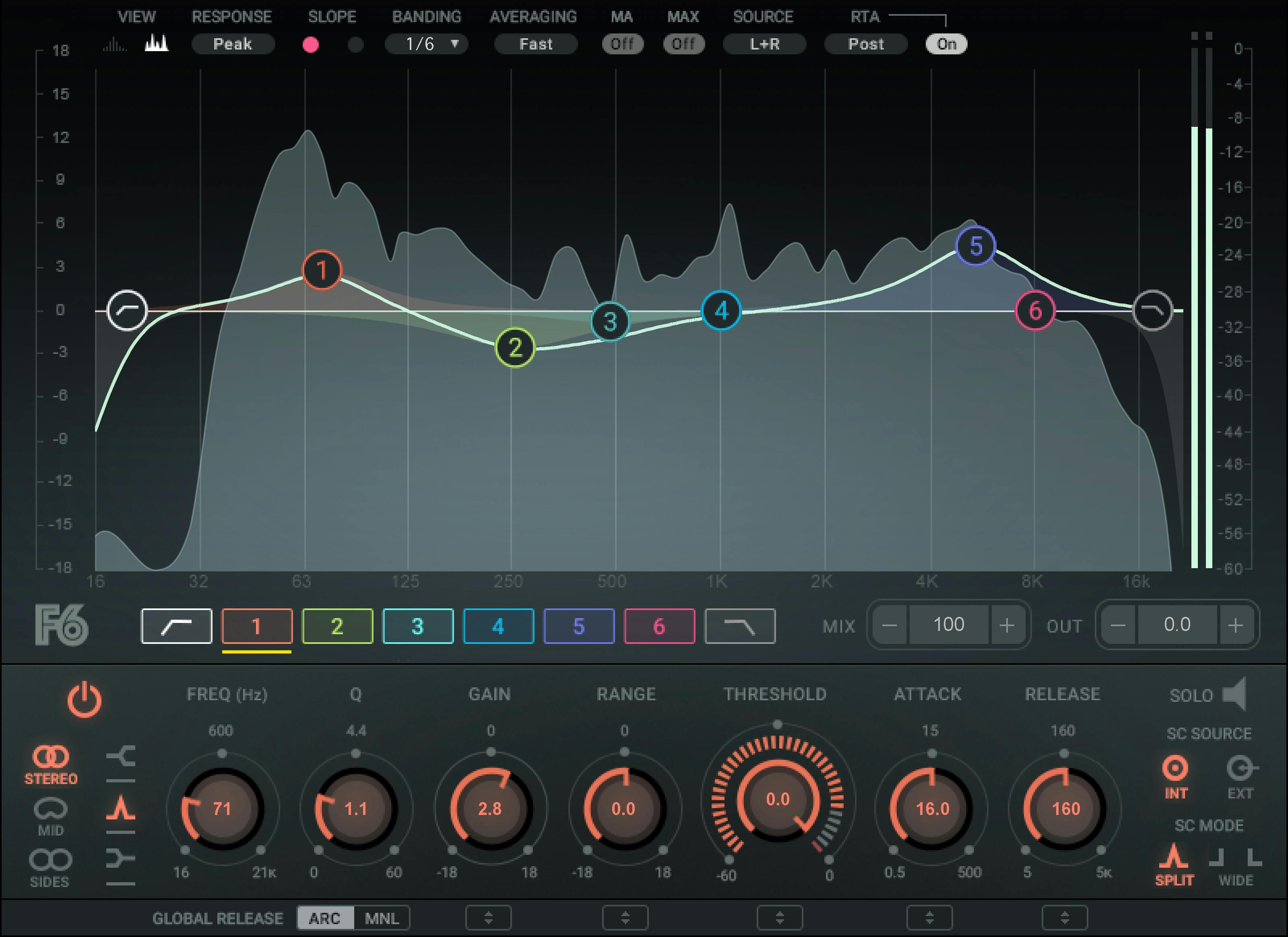
With F6, I’d put a bell around the spot that sticks out and leave its regular gain at zero. Start with a negative Range of about 2 dB and lower the Threshold until the harsh word makes the band move. Listen to the words around it. If the cut hangs on into the next word, try a shorter release. If the whole line sounds dull, ease up on the range or raise the threshold.
Try the same move in Pro-Q 4 first
Start with a bell at the same frequency and use a small negative dynamic range. Leave Spectral Dynamics off for this pass so you can hear how a regular dynamic band handles the same problem. Adjust the threshold and the timing by ear. The same knob values across two plugins can give you different amounts of reduction, so listen for a similar amount of control on the harsh word.
Compare one plugin at a time on the same take. Match the output levels, bypass the EQ, and listen through the full line. I’d keep the move if that word stops pulling my attention and the rest of the vocal still feels like the same take.
When I’d try Spectral Dynamics
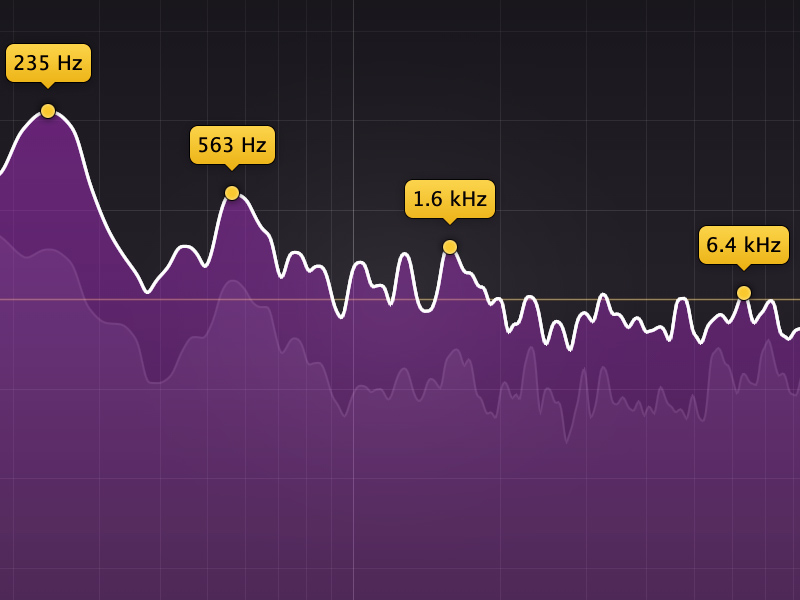
Sometimes the frequency that bothers you shifts from word to word. You widen the bell to catch both spots, then the vocal starts losing some of its edge where it actually sounded good. That’s when I’d try Spectral Dynamics in Pro-Q 4. It can react to individual frequencies within the area you’ve selected as they cross the threshold. Listen back through the line and decide whether that extra precision makes a difference you care about.
If it’s mainly the S sounds that bother you, try targeting those with a de-esser before making the EQ cut wider. The sound you hear on the word should tell you where to start.
Which one would I buy?
If I were buying one to catch a few harsh words in a home vocal mix, I’d start with Waves F6. Pro-Q 4 makes more sense if you regularly run into the kind of shifting harshness where you’d use Spectral Dynamics, or if you want one EQ to handle a wider range of mix decisions. If the dynamic EQ you already own gets you through the exercise above, I’d keep using it.
For the full controls, see the Waves F6 user guide and FabFilter’s Spectral Dynamics guide.
Keep building your vocal mix
- Curves Equator vs. Soothe for another look at resonance control.
- My Waves vocal and mixing picks if you’re choosing what else to put in your chain.
If you want to hear the kind of vocal sound I’m talking about, start with “Every Time We Sing” or “Phases.” Find them on your preferred streaming service at dylandroll.com/links, or put on This Is Acoustic Rap below.
Browse Waves Specials · Release music with DistroKid · Join my mailing list