Waves Rogue Pre-Focus: How to Use It on Vocals
I may earn a commission from purchases through my links at no extra cost to you.
Sometimes I like everything about a vocal take until I bring the guitar back in. I can hear the words, but the voice feels a little thin next to the rest of the song. That’s where I’d try Waves Rogue Pre-Focus early in the chain to give the voice some weight or texture before reaching for more EQ.
What does Rogue Pre-Focus do?
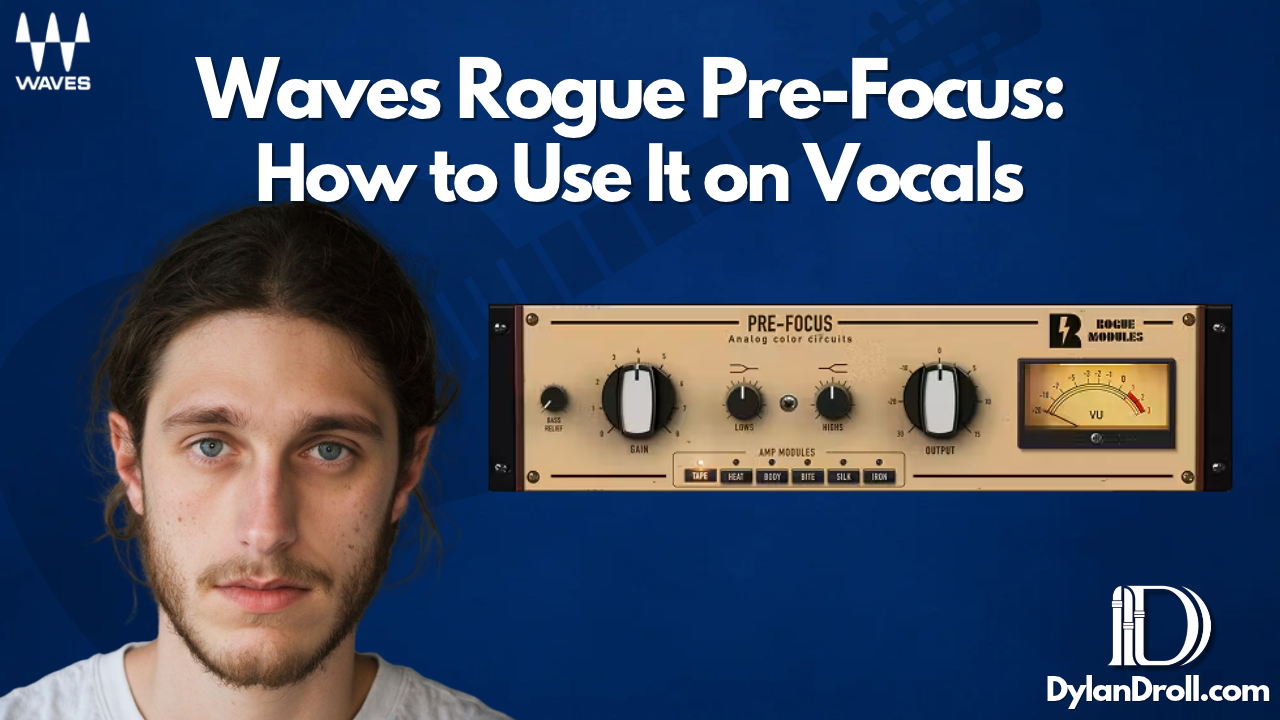
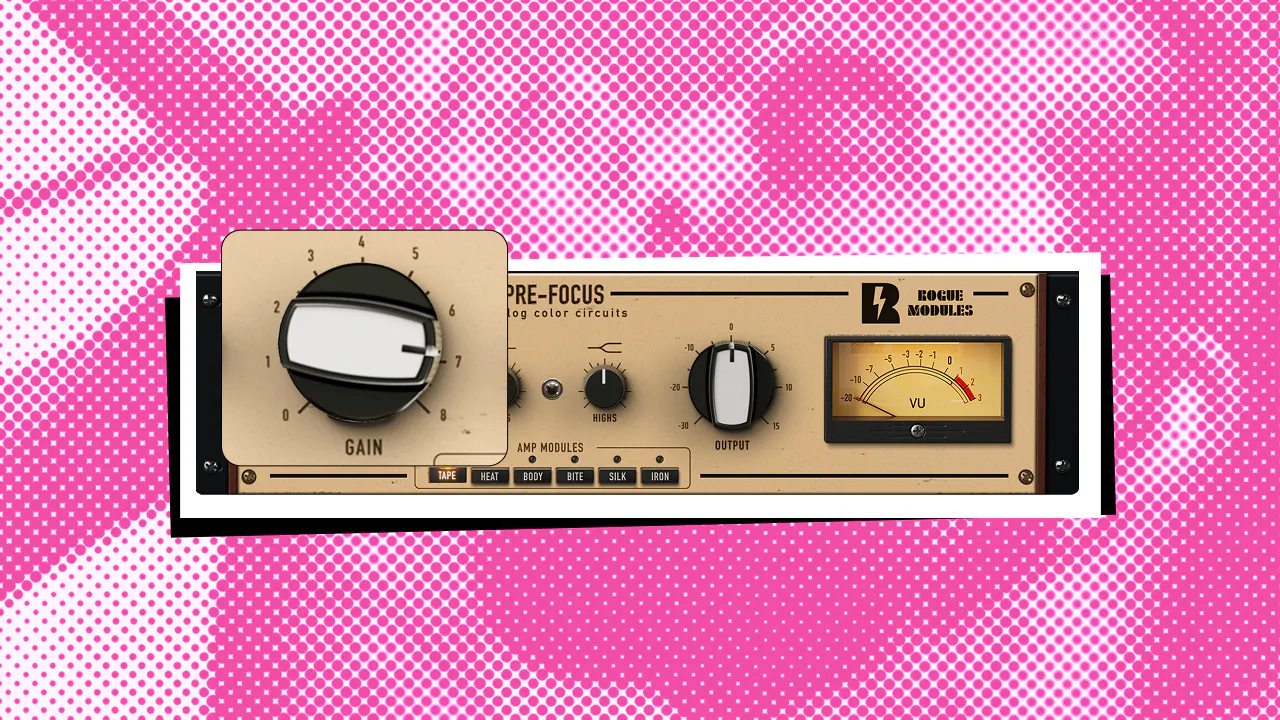
Waves Rogue Pre-Focus is a saturation plugin with six modeled analog preamps. On a lead vocal, try Silk for subtle color or Body for more low-end weight. Raise Gain to drive the circuit, then adjust Output so the processed vocal and the bypassed vocal are about the same loudness.

Which preamp mode would I start with?
- Silk is where I’d start for a small change on a close, quiet lead.
- Body is the one I’d try if the voice feels thin once the guitar or beat comes in.
- Tape is worth trying when you want a warmer kind of saturation.
- Bite adds a rougher upper-mid edge. I’d try it on a double or an ad-lib if the lead already has sharp consonants.
- Heat models a transistor and op-amp circuit. Try it on the same line when you want to hear how a different circuit breaks up as you push Gain.
- Iron gives you transformer-style saturation with a fast response. I’d audition it on a more rhythmic delivery where I want to keep the attack of each word.
I’d start with Silk and Body on the same line. Those two give me a simple decision to make. Do I want a small change in texture, or does the vocal actually need more weight? Waves has before-and-after demos if you want to hear the plugin on vocals, drums, bass, and guitar.

How I’d set it up in Pro Tools
- Put it before your EQ and compression. Loop a quiet line and a louder one with the guitar or beat playing. Start with the plugin’s tone controls flat so it’s easier to hear the circuit itself.
- Bring up Gain a little at a time. Listen to how the louder words react as you add drive. If the low end starts pushing the circuit too hard, try a little Bass Relief. It reduces the lows going into the circuit and restores them afterward.
- Match the level with Output. Toggle bypass until the processed and original sounds are close in loudness. Recheck Output when you switch modes, then listen through both lines before choosing.
- Make the decision in the mix. If the voice feels fuller and you can still hear the quiet words, keep it. If the effect makes the louder words feel too rough, back off Gain or try it on the double.
On songs like “Every Time We Sing” and “Phases,” the way I say a line is part of the song. That’s what I’d listen for with any preamp plugin. If the vocal feels closer but I lose the way I said the words, I’d dial it back. You can hear both tracks on your preferred platform through my music links.
Rogue Pre-Focus availability
Waves made Rogue Pre-Focus free to claim on Friday, November 27, 2026, for its one-day Black Friday giveaway. If you’re checking during the offer, sign in to your Waves account to register it, then use Waves Central to install and activate it.

Open the Rogue Pre-Focus giveaway page →
For current pricing and product details, see Rogue Pre-Focus on Waves →
More vocal mixing guides
If you’re working on the rest of your chain, see my Waves plugins for vocals guide for tools to reach for when a vocal needs EQ, compression, or space.

Listen to This Is Acoustic Rap
If you like hearing acoustic guitar and rap vocals together, save my This Is Acoustic Rap playlist on Spotify.
Keep in touch. Join my mailing list for recording tips and new music using the form on my music page.