
Using Waves DeEsser the Right Way (And What to Avoid)
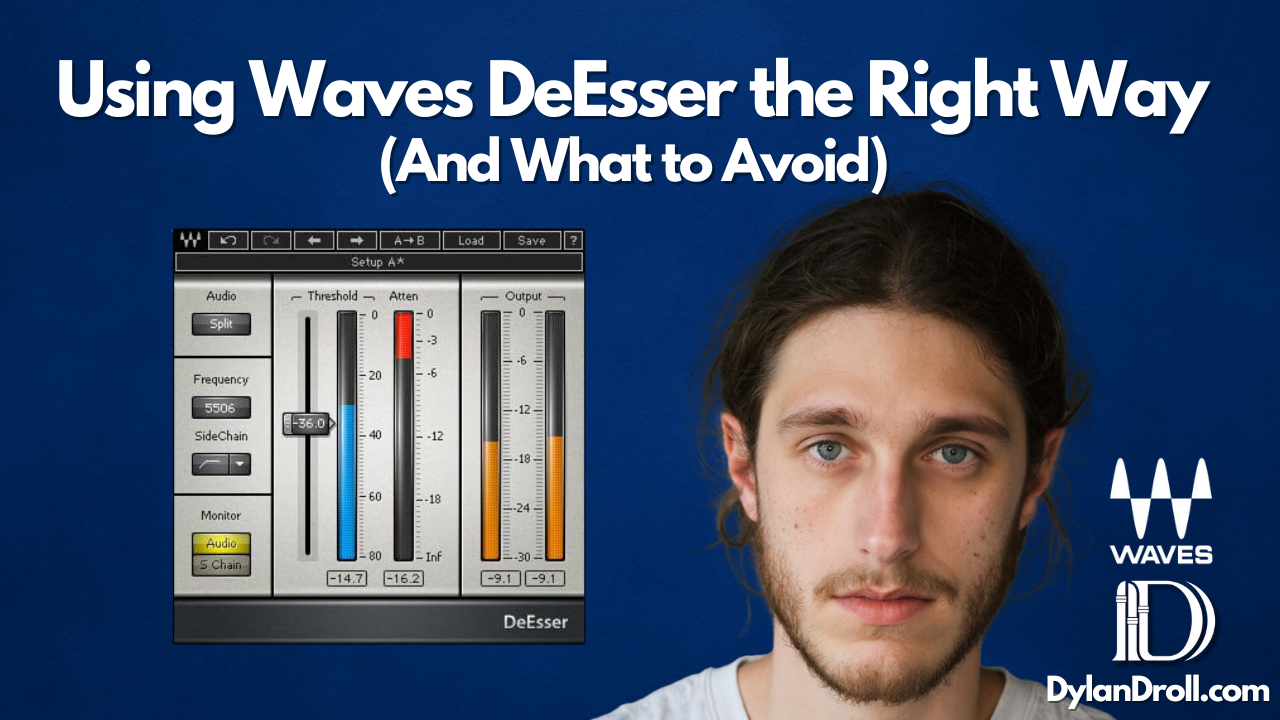
Let’s be honest — a bad de-esser can ruin a good vocal. If you’ve ever added one and suddenly your artist sounds like they’ve got a lisp or the vocal goes dull, you’re not alone. The Waves DeEsser is powerful — but only when used the right way.
In this article, I’ll show you how I use the Waves DeEsser on melodic rap vocals, explain what each setting actually does, and point out the most common mistakes I see engineers make. I’ve used this plugin on countless sessions — including on my track “All Away” — and once you understand it, it’ll become a must-have in your chain.
What Is a De-Esser?
A de-esser reduces harsh “S” and “T” sounds in vocals — also called sibilance. These frequencies usually live around 4kHz–8kHz and can become harsh or piercing, especially after adding EQ, saturation, or top-end boost.
Waves DeEsser: Key Settings Explained
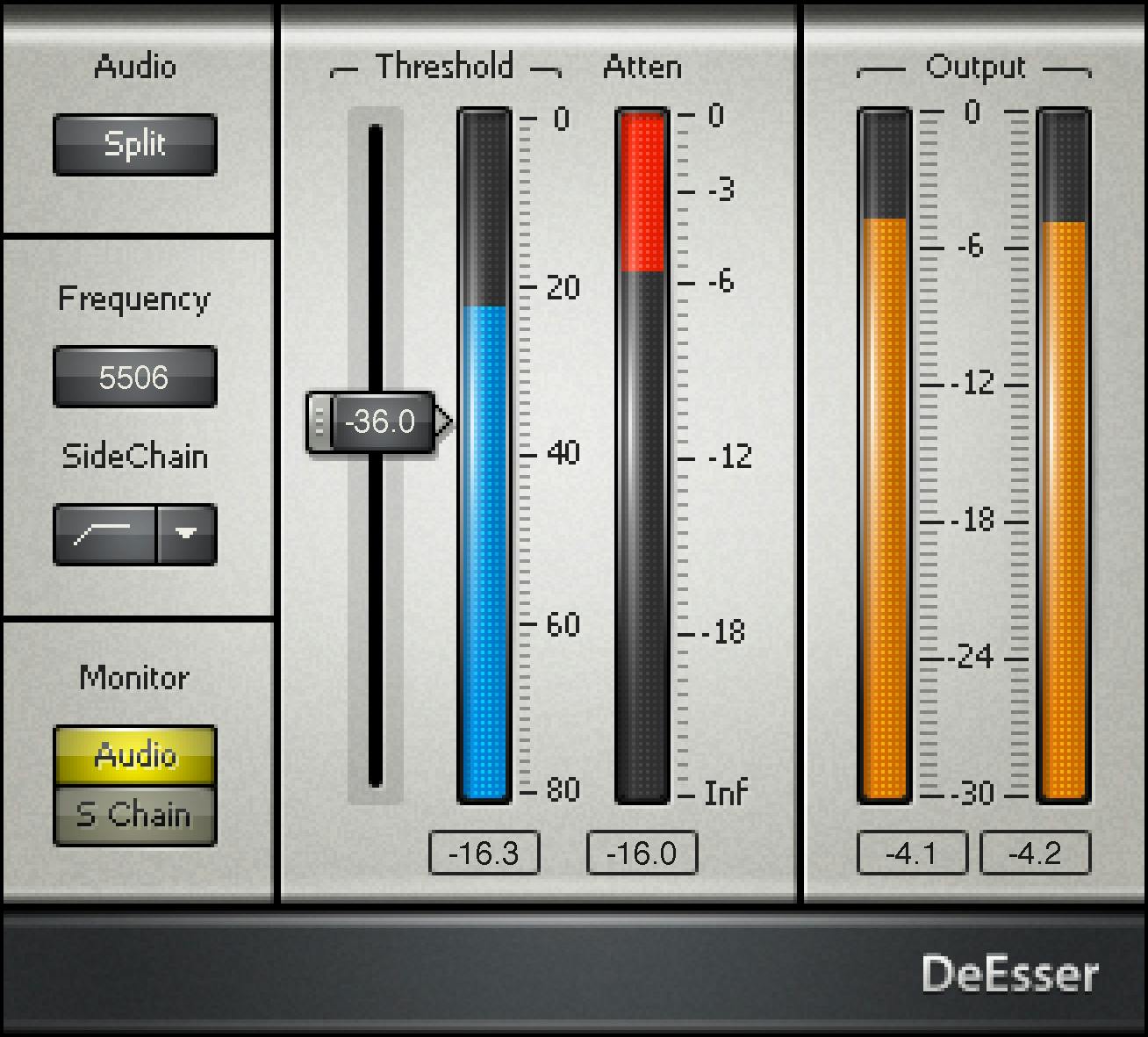
- Split Mode: Cuts only the high frequencies (more transparent)
- Wide Mode: Compresses the full signal when sibilance is detected (more aggressive)
- Threshold: The lower you go, the more it reduces sibilant sounds
- Frequency Selector: Target the area where sibilance lives (usually 5.5k–7.5k for male vocals)
💡 Pro Tip: Use Split mode if you want cleaner results. Wide mode works better if your vocal is overly bright or needs a warmer tone.
My Default De-Esser Settings for Rap Vocals
- Mode: Split
- Frequency: 5500 Hz
- Threshold: Adjust until the “Ess” and “Tss” sounds are softened but still natural
I usually place it right after Waves Tune Real-Time in the vocal chain and before any compression or tone-shaping.
What to Avoid When Using De-Essers
- ❌ Don’t set the threshold too low — it’ll sound like the singer has a lisp
- ❌ Don’t target the wrong frequency — find the actual “ess” range with solo
- ❌ Don’t forget about adlibs and stacks — they often need lighter de-essing
On “All Away,” I had to be extra careful with the emotional tone. I used subtle de-essing to keep the vocal smooth without losing the breathy high-end. It’s one of those tools that should be invisible if done right.
Try the Plugin Yourself
- 🔗 Try Waves plugins free here
- 🎛️ Download the Pro Tools free trial
- 🎙️ Browse my favorite gear for recording

Want to Hear a De-Esser Used the Right Way?
Stream my track “All Away” to hear how de-essing helps keep vocals smooth without killing the tone — especially in the layered sections and higher melodies.

🎧 Listen on Spotify:
https://open.spotify.com/playlist/55hZj4oRTcoNjwGqGoUGeA
Need Help With Your Vocal Chain?
Whether you’re just getting started or trying to level up your mixes, I offer custom mixing, mastering, and 1-on-1 coaching for independent artists.

Don’t let bad sibilance ruin a good vocal — let’s fix it right.