How to Keep Vocals Clear with Reverb, Using Atlas Reverb's Built-In Ducker
This post contains affiliate links — if you buy through them, I may earn a small commission at no extra cost to you.
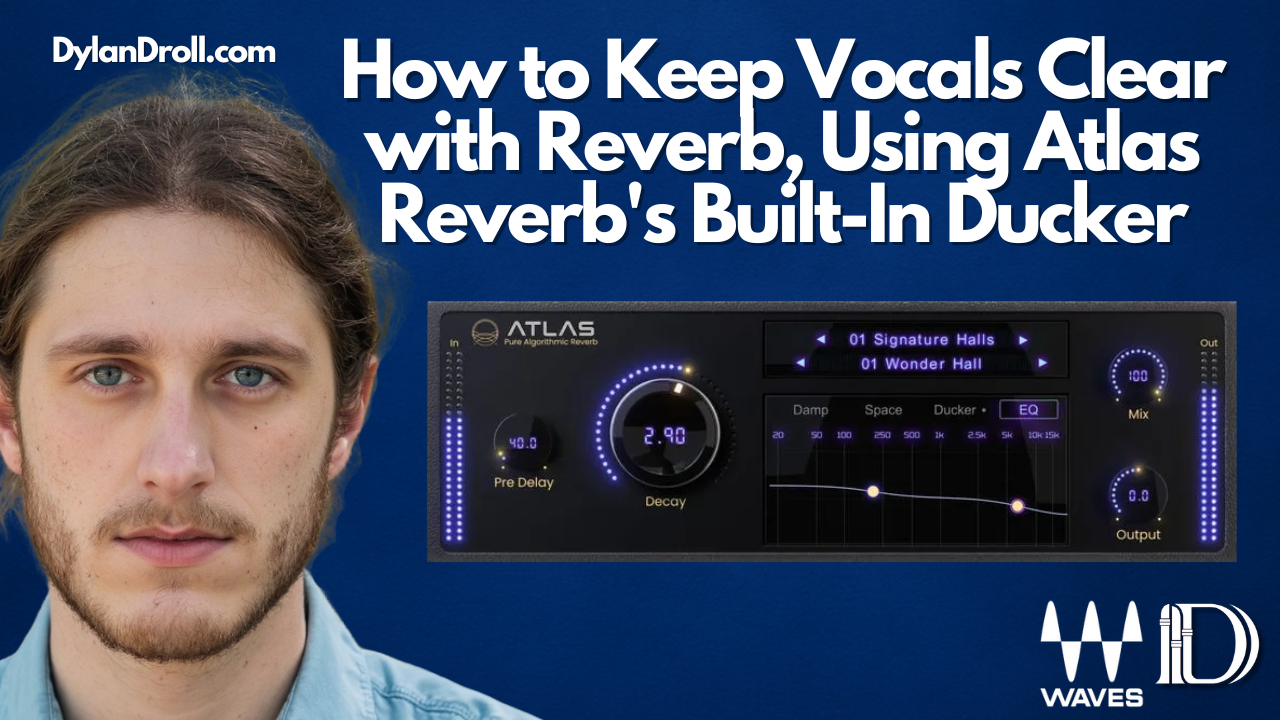
A lush, wide reverb on a vocal sounds amazing in isolation and then completely swallows the vocal the moment the full mix comes in. This is the classic reverb tradeoff: the more space and depth you add, the more you risk burying the exact element you were trying to enhance. Waves' new algorithmic reverb, Atlas Reverb, has a built-in fix for this baked right into the plugin — a ducker that automatically makes room for the vocal instead of asking you to compromise between "lush" and "clear."
Why reverb tails compete with vocal clarity
Every word or phrase in a vocal performance kicks off its own reverb tail, and if those tails are long or dense, they start overlapping with the next word — smearing consonants and vowels together and reducing intelligibility. Turning the reverb down fixes clarity but kills the sense of space you wanted in the first place. This is exactly the problem ducking is built to solve.
How Atlas Reverb's ducker actually works
Atlas Reverb includes a dedicated Ducker page that uses your dry (unprocessed) vocal signal as the trigger to automatically pull down the reverb's level whenever the vocal is actively singing, then let the reverb swell back up in the gaps between phrases. The controls are straightforward:
- Threshold (-60 to 0 dB): how loud the dry vocal needs to be before the ducking kicks in
- Range (-100 to 0 dB): how much the reverb gets pulled down when ducking is active
- Release (1–1000 ms): how quickly the reverb comes back up once the vocal stops
Setting it up for a clear lead vocal
- Load Atlas Reverb on a send or insert for your lead vocal and pick a reverb program that matches the space you're going for — a plate or hall from the Signature Halls or Plates categories works well for most vocal applications.
- Open the Ducker page and set the Threshold low enough that it reliably triggers on your vocal's quietest phrases, not just the loudest ones.
- Set the Range to a noticeable but not extreme amount — enough that the reverb clearly steps back during the vocal, without disappearing completely.
- Tune the Release to the pacing of the vocal performance: faster for busy, rhythmic vocal lines, slower for sustained, spacious phrasing, so the reverb has time to swell back in during the natural pauses.
Why this beats manually automating reverb send levels
Producers have long ridden reverb send automation by hand to solve this exact problem, which works but takes real time per song, per vocal take. Because Atlas Reverb's ducker reacts directly to the dry signal in real time, it adjusts automatically to the actual dynamics of the performance — including subtle timing variations a hand-drawn automation pass might miss.
How I use this on my own tracks
On "Every Time We Sing," the vocal needed a genuinely big, emotional reverb tail on the sustained notes without losing intelligibility on the busier lyric-heavy sections. Dialing in the ducker meant I could commit to a bigger, wetter reverb setting overall, because the plugin was automatically carving space for the vocal exactly when it needed it.

The mistake to avoid
Don't set the Range so extreme that the reverb audibly slams on and off — that reads as an obvious effect rather than a natural, well-mixed vocal. Start with a moderate Range and Release, and adjust by ear against the full mix, not the vocal in isolation.
New music: My latest release is "Luxury" — stream it at dylandroll.com/links. I'm still pushing my most-streamed track "Every Time We Sing" hard, and the newer "Phases" is picking up real momentum too — you'll find all three there.
Want everything Waves has to offer? Grab a Waves subscription and unlock their full plugin catalog, including everything used in this article.
Releasing your own music? I distribute mine through DistroKid — get your next release on Spotify, Apple Music, and everywhere else through my link.
Stream more: Catch the rest of my catalog at dylandroll.com/links