
The Perfect Waves Vocal Chain for Melodic Rap (2025 Setup)

If you’re a melodic rapper or singer who records at home, you’ve probably wondered how to get that clean, emotional vocal sound without sending your track off to a high-end studio. The truth is — you don’t need a million-dollar setup. You just need the right chain.
In this guide, I’ll break down the exact Waves Audio vocal chain I use in Pro Tools for melodic rap. This same setup was used to record and mix my song “All Away”, and it works for pretty much every artist I record — whether we’re going for a Rod Wave-style hook, Juice WRLD pain melodies, or chill LAROI vibes.
What Is a Vocal Chain?
A vocal chain is just the order of plugins and processing tools you use on your vocals — kind of like a recipe. The plugins you choose (and how you use them) make or break your final sound.

My Go-To Waves Vocal Chain (Step-by-Step)
- Waves Tune Real-Time — For tracking in key live
- Waves DeEsser — To tame harsh “S” sounds
- CLA-76 Compressor — Fast compression to control dynamics
- PuigTec EQP-1A — Boost presence and warmth
- CLA Vocals — Easy-to-use all-in-one processing
- H-Reverb (or RVerb) — Space and depth
Why This Chain Works So Well for Melodic Rap
Melodic rap relies on emotion and clarity. You need the tuning to be tight, the compression to be smooth, and the effects to feel polished but not overdone. This chain hits all of those without overwhelming your vocal or masking the feeling.

When I was mixing “All Away,” I wasn’t even planning to finish it at first. It started as a collab, but the session sat for months until I revisited it. Once I threw CLA Vocals and H-Reverb back on the main track, everything clicked — it brought the emotion back and helped me finish what ended up being one of my most personal songs.
Plugin Breakdown (Settings + Tips)
🎯 Waves Tune Real-Time
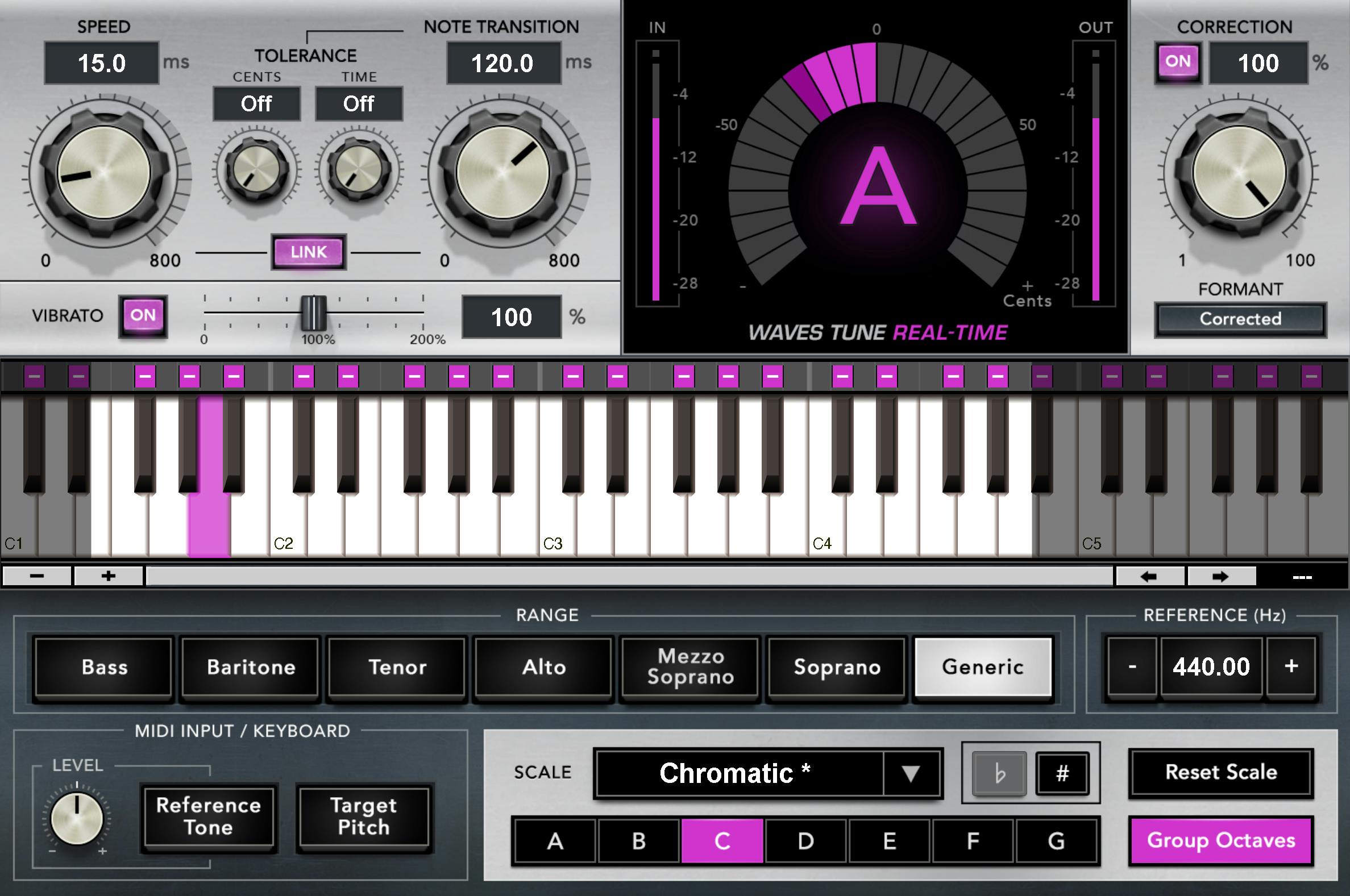
Use this on your tracking aux so you can hear yourself in key while recording. Set your key/scale, and keep the Speed and Note Transition values low for that melodic, tuned feel.
🧼 Waves DeEsser
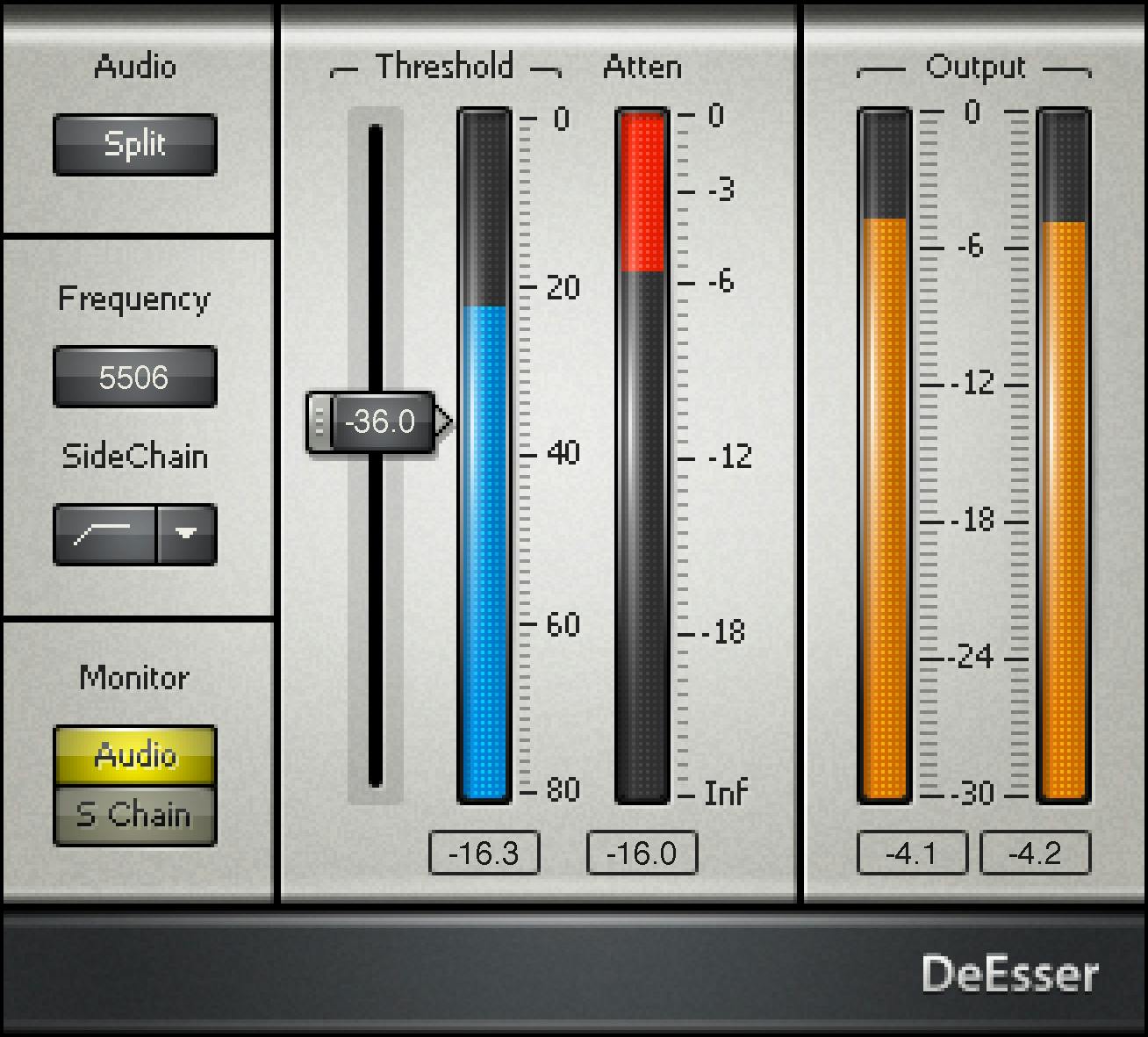
Insert this after the tuner to soften harsh consonants. Start with “Male Ess” or “Split” mode and adjust the threshold until it gently tames your S’s and T’s.
⚡ CLA-76 Compressor

Run this at a 4:1 or 8:1 ratio, fast attack and release, to keep your vocal upfront and energized. It works great for vocals with a lot of dynamic shifts.
🌤️ PuigTec EQP-1A
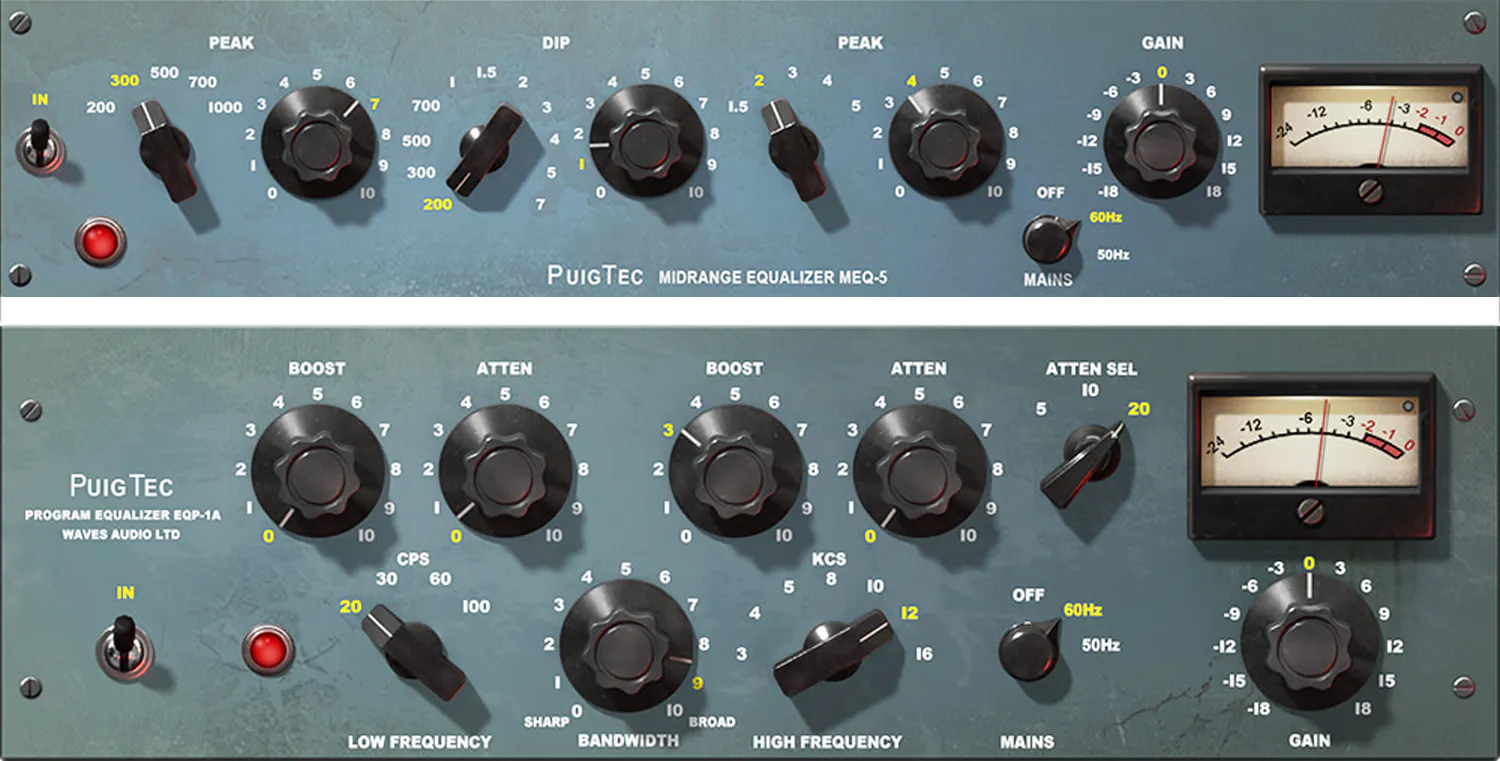
Add sparkle and warmth. Boost around 5–10kHz for air, and a touch around 100Hz if you want thickness. Cut mids if needed.
🎛️ CLA Vocals
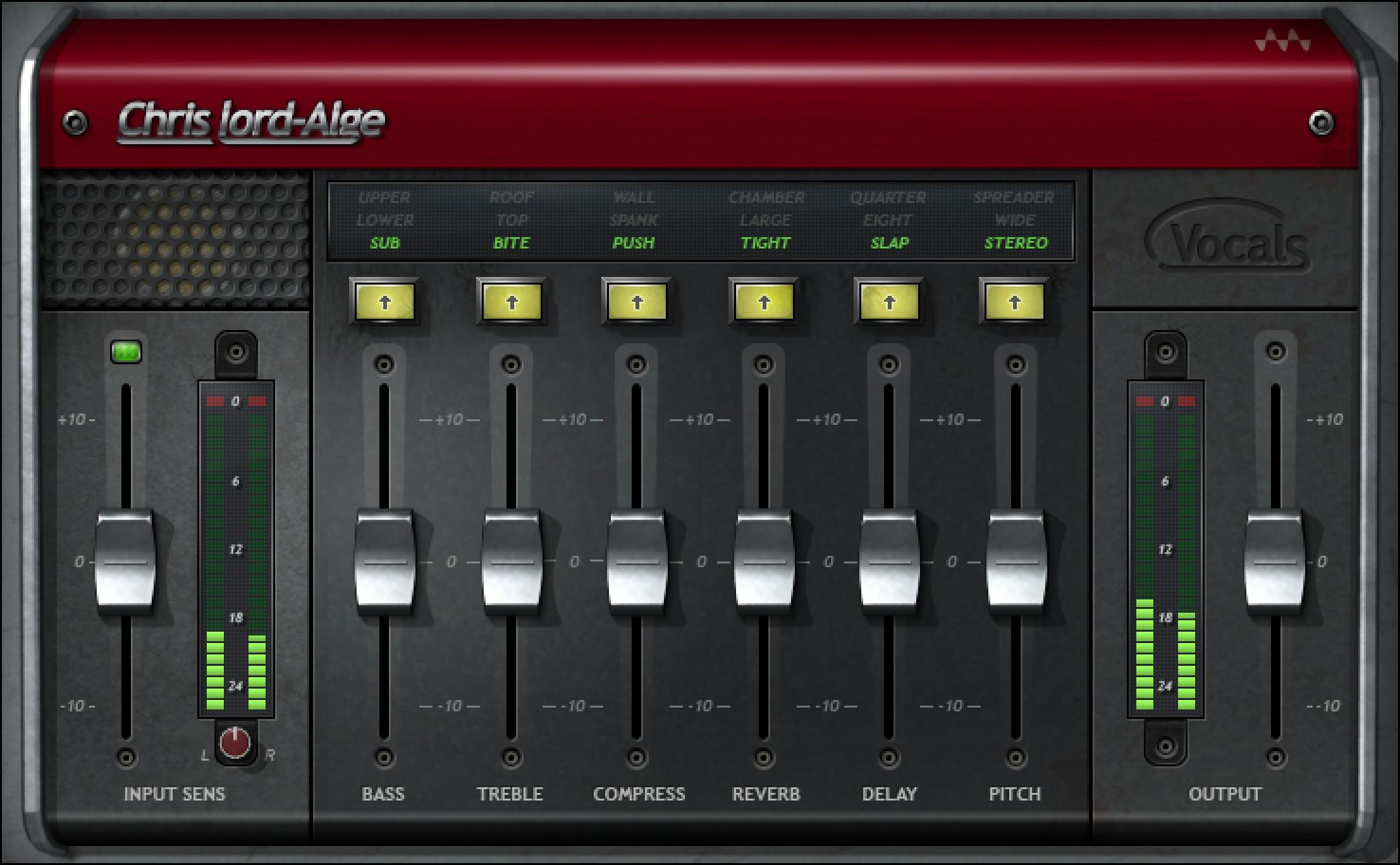
If you’re a beginner, this plugin is your best friend. Use the built-in EQ, compression, reverb, and delay dials to taste. It glues everything together without needing 5 separate plugins.
🌊 H-Reverb or RVerb
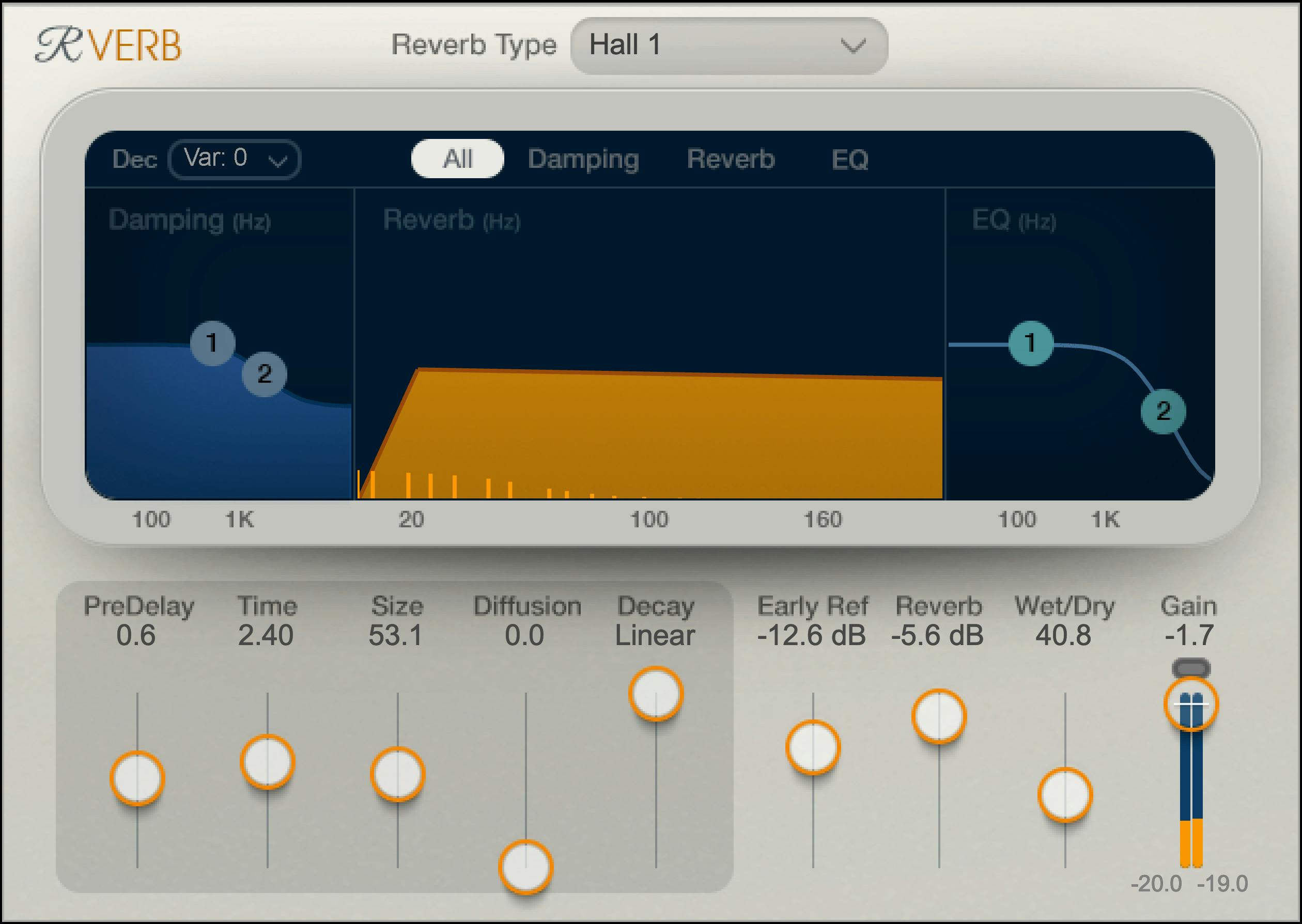
Use these on a reverb aux track. Set a plate or hall preset, adjust decay to match your tempo, and roll off the low end with EQ to keep the mix clean.
Bonus: Add a Stereo Doubler or ADT
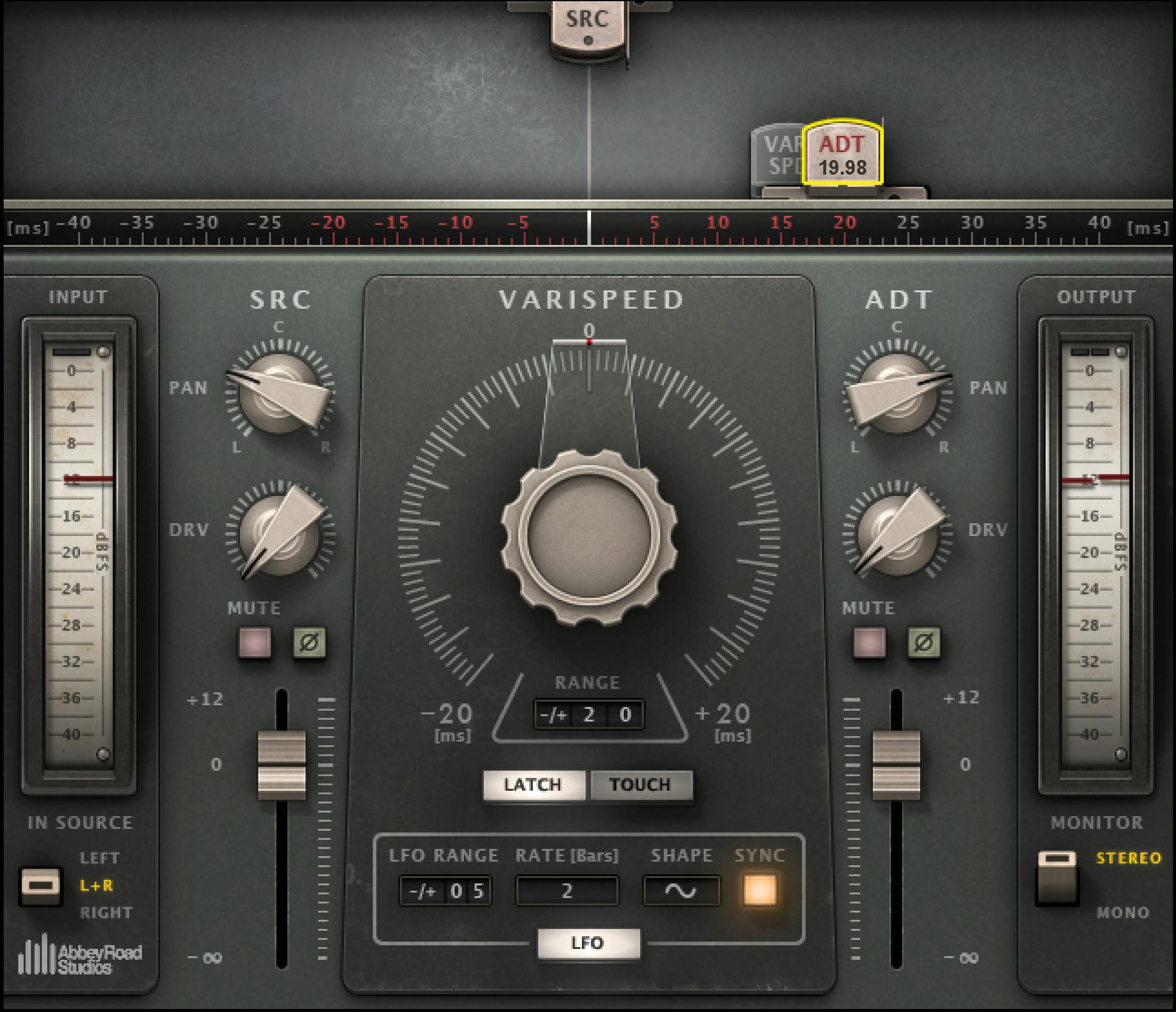
Sometimes I throw in Waves Doubler or Reel ADT to widen background vocals or harmonies. Just don’t overdo it — a little width goes a long way.
Try This Chain With Your Own Vocals
If you’re using Pro Tools, it’s super easy to save this chain as a template and apply it to every new session. If you're on a budget or just want to test the vibe:
- Start a free trial of Waves plugins here
- Distribute your music on all platforms here
- Check out my budget gear bundle

Want to Hear This Chain in Action?
The exact chain above was used on my song “All Away” — you can hear how the tuning, compression, and reverb all work together to bring out the emotion.
Listen now on Spotify and check out the rest of the playlist for similar vibes:

🎧 Listen to “All Away” and more on Spotify:
Need Help Mixing?
I work with independent artists every day — whether you’re tracking in your bedroom or building your first release. If you want help building your vocal chain, fixing your mix, or dialing in your sound:
👉 Tap in with me here and let’s get to work.