
Mixing Auto-Tune Style Vocals with Waves + Pro Tools (2025 Guide)
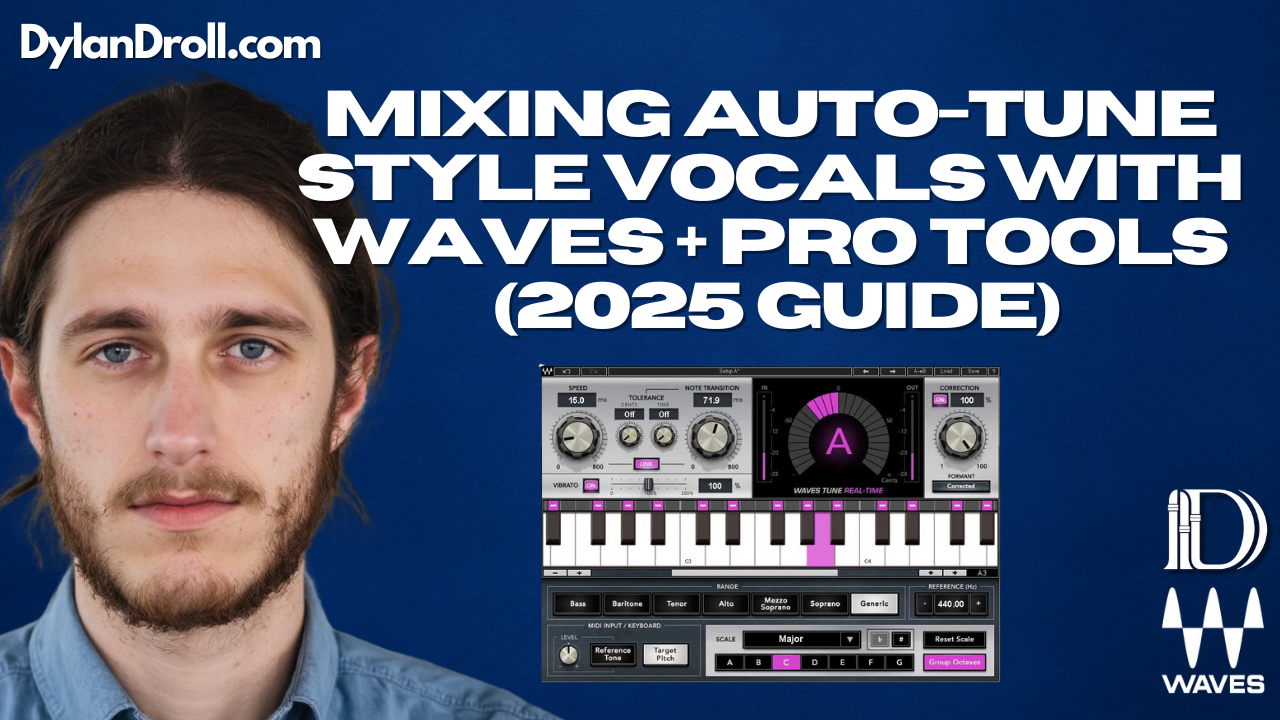
You don’t need Auto-Tune Pro to get the modern, tuned vocal sound. If you’re working in Pro Tools and using Waves plugins, you can dial in that melodic, emotional vocal tone that artists like Rod Wave, Juice WRLD, and The Kid LAROI are known for — without breaking the bank.
In this guide, I’ll walk you through how to mix “Auto-Tune” style vocals using just Waves plugins. I used this exact approach on my song “All Away”, and it helped me keep the emotion front and center while still giving it that polished, tuned finish.
Step 1: Waves Tune Real-Time for Live Pitch Correction
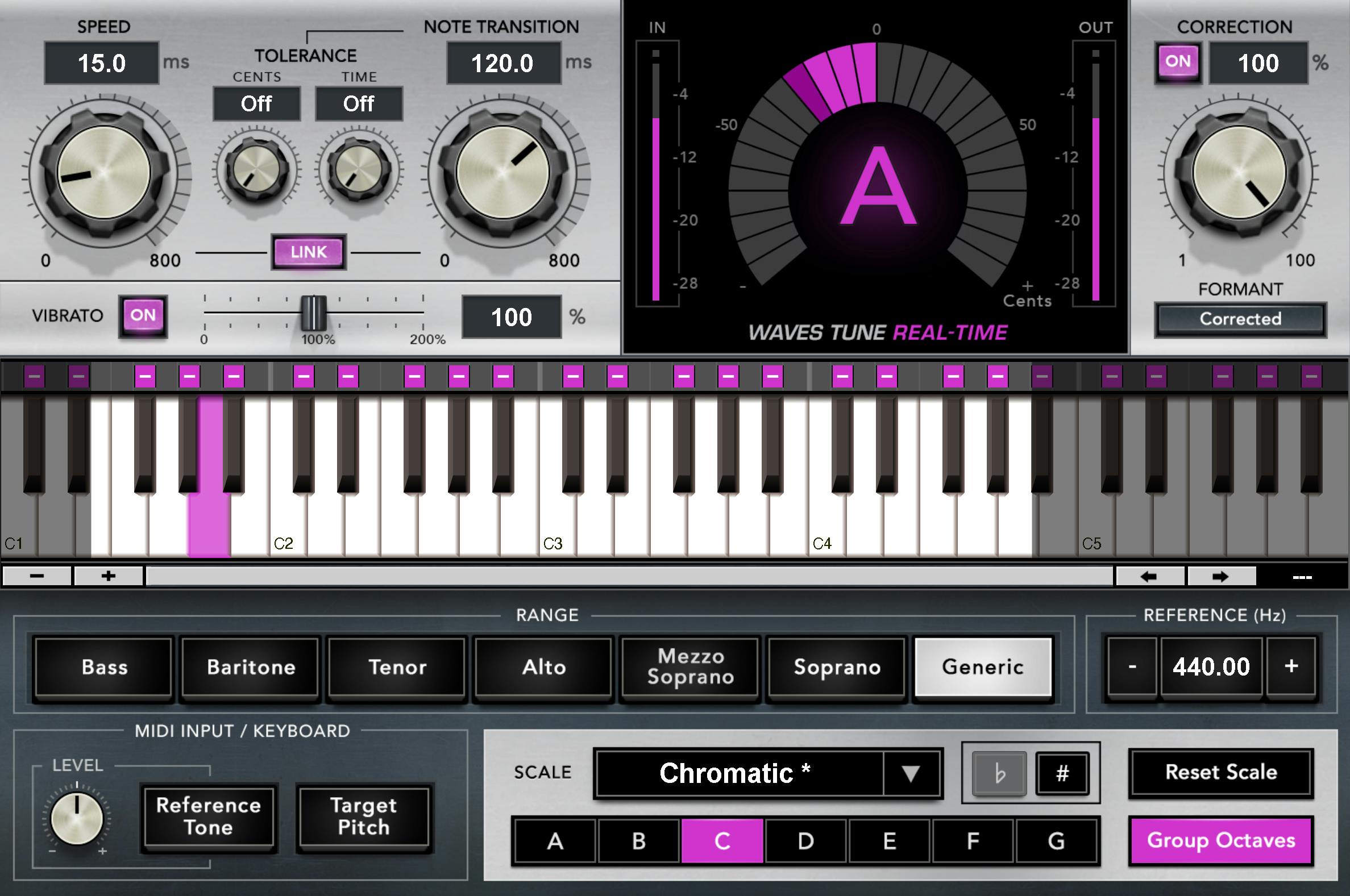
Start with Waves Tune Real-Time on an aux input or directly on your vocal track if latency isn’t an issue. This plugin locks your vocal into key in real time.
- Set Key & Scale: Match your instrumental
- Speed: 0–10ms for that tuned effect
- Note Transition: Low values (0–15) for tight pitch jumps
- Range: Alto/Tenor for most male vocals
This step is crucial for tracking melodies or doubles — hearing yourself in key helps with confidence and performance.
Step 2: Waves DeEsser for Sibilance Control
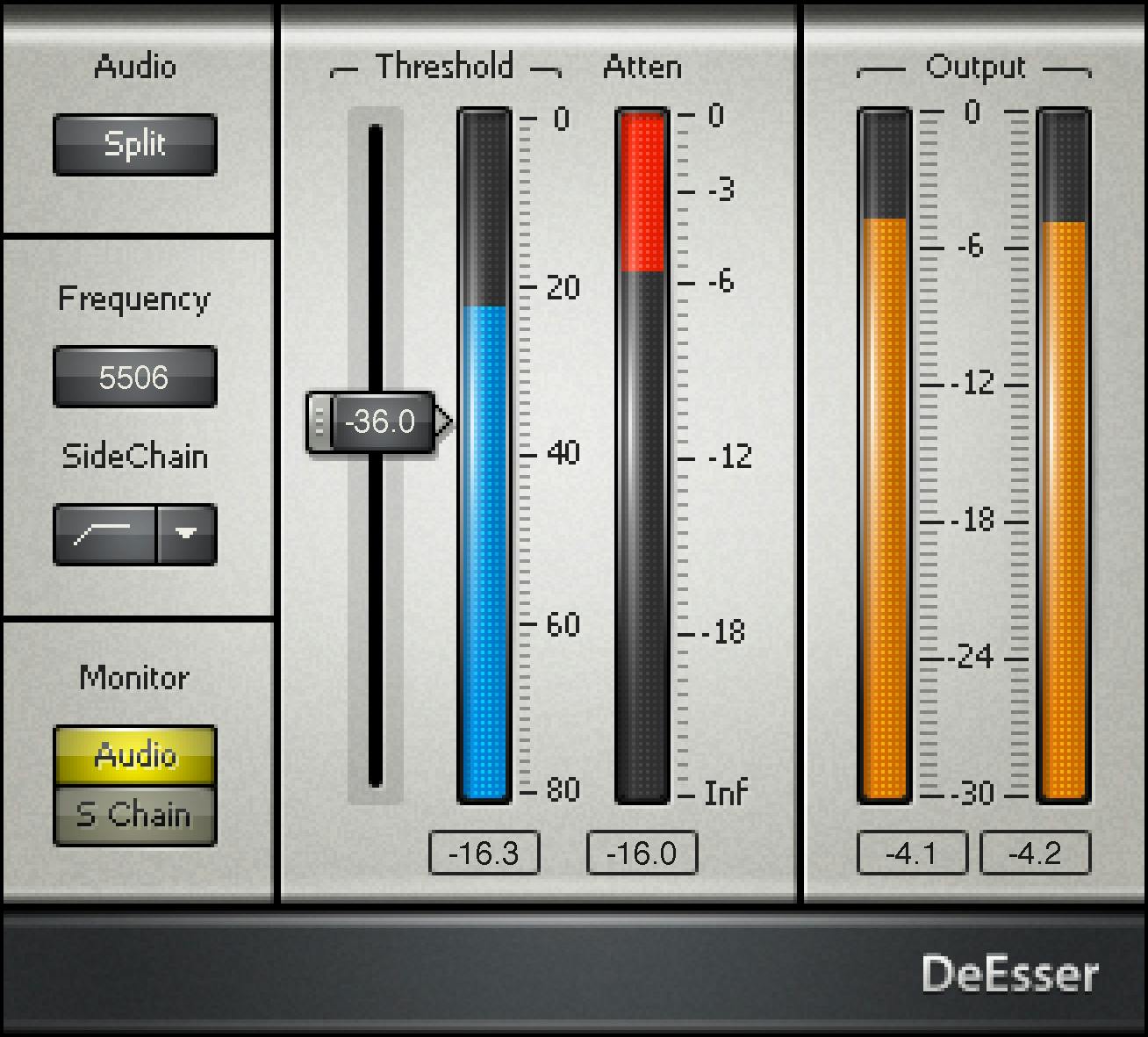
After tuning, hit your vocal with Waves DeEsser to soften harsh consonants. Use “Split” mode and aim for subtle reduction around 5–8kHz.
Step 3: Compression (CLA-76 or RComp)
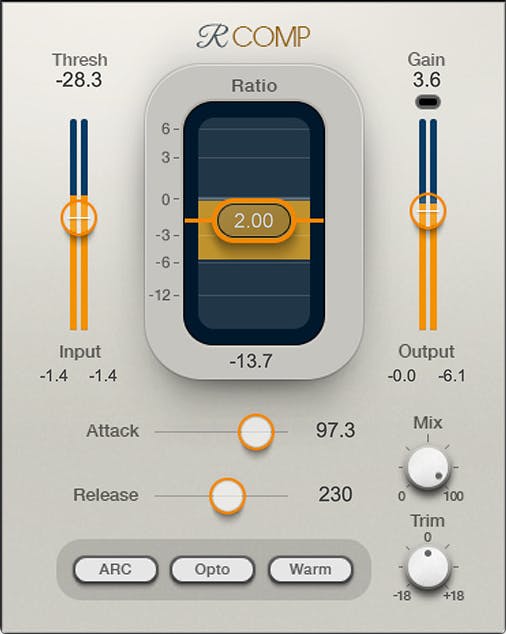
To keep vocals sitting tight in the mix:
- CLA-76: Fast, aggressive, energetic
- RComp: Smooth, warm, transparent
I sometimes stack both — CLA-76 first for punch, then RComp to round things out.
Step 4: EQ with SSL-E or PuigTec EQP-1A
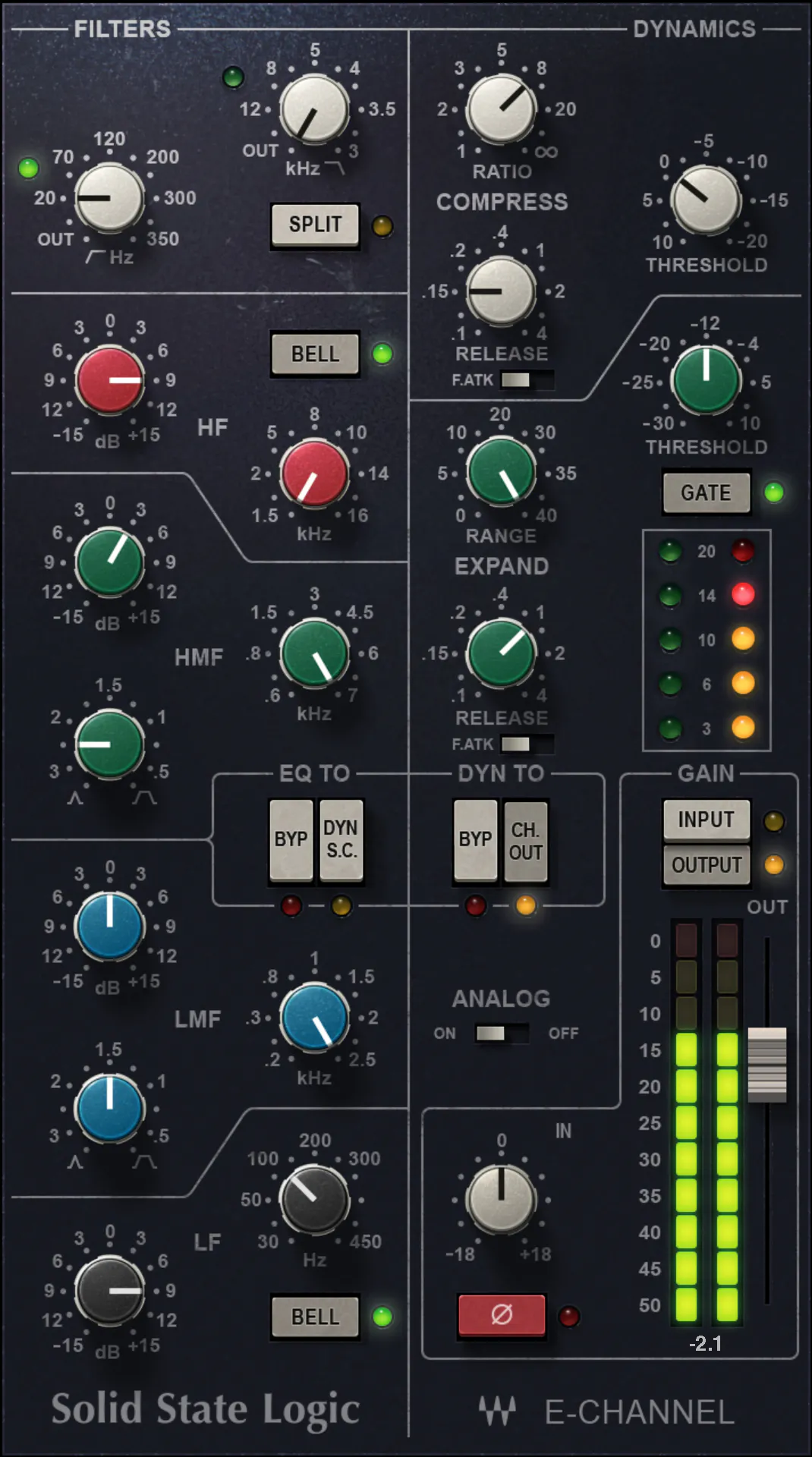
Now clean up the tone:
- SSL-E: Cut mud around 200–400Hz, boost highs at 8–10kHz
- PuigTec: Add air and subtle body
Keep in mind: Auto-Tune style vocals need clarity. Don’t overdo the low-mids.
Step 5: Add Character with CLA Vocals
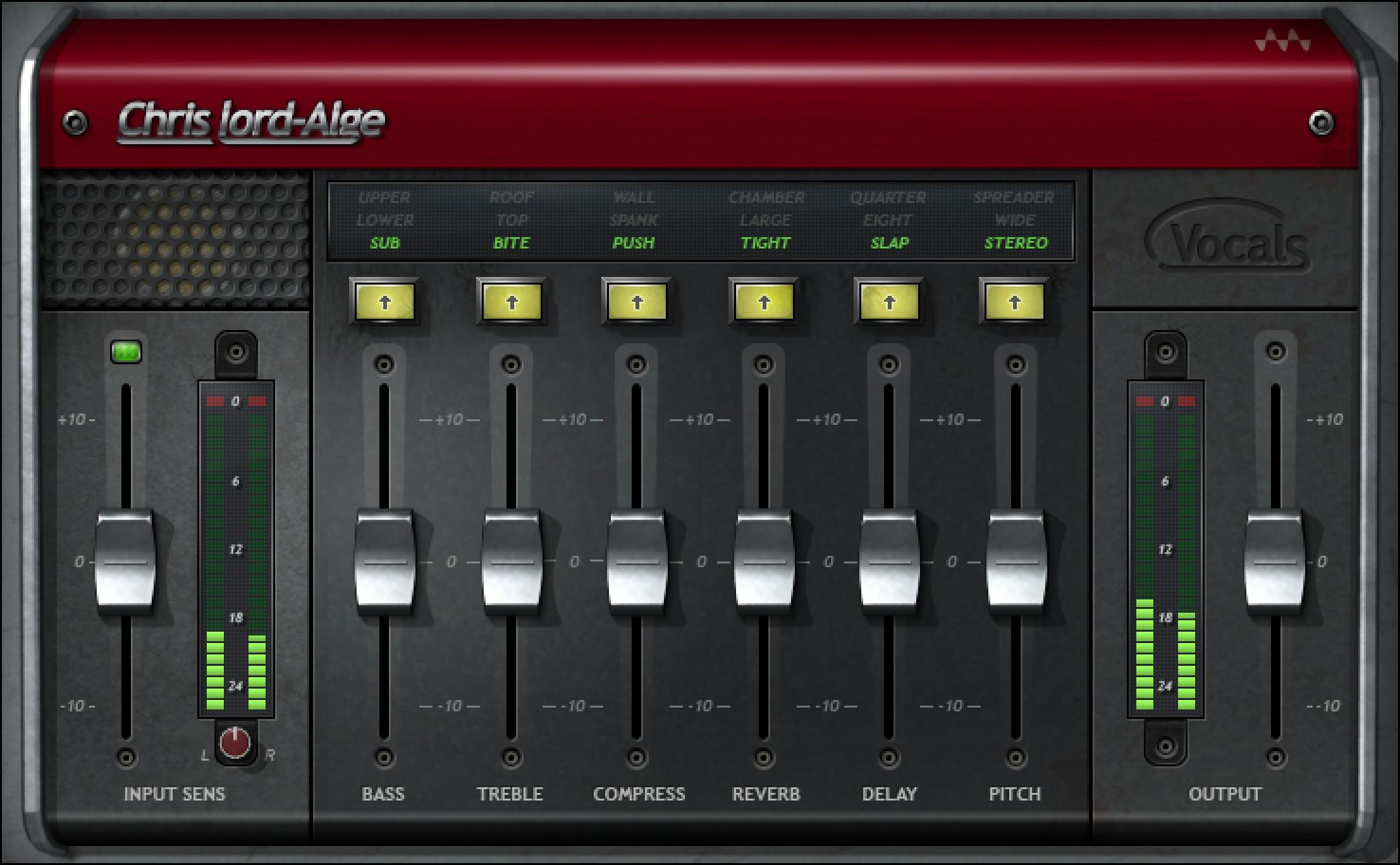
Use Waves CLA Vocals to shape your final tone. It adds compression, EQ, reverb, delay, and distortion in one plugin.
- Use light reverb for space
- Add a little delay for bounce
- Smooth out tone with the “Bass” and “Treble” knobs
Step 6: Waves Doubler or Reel ADT for Width
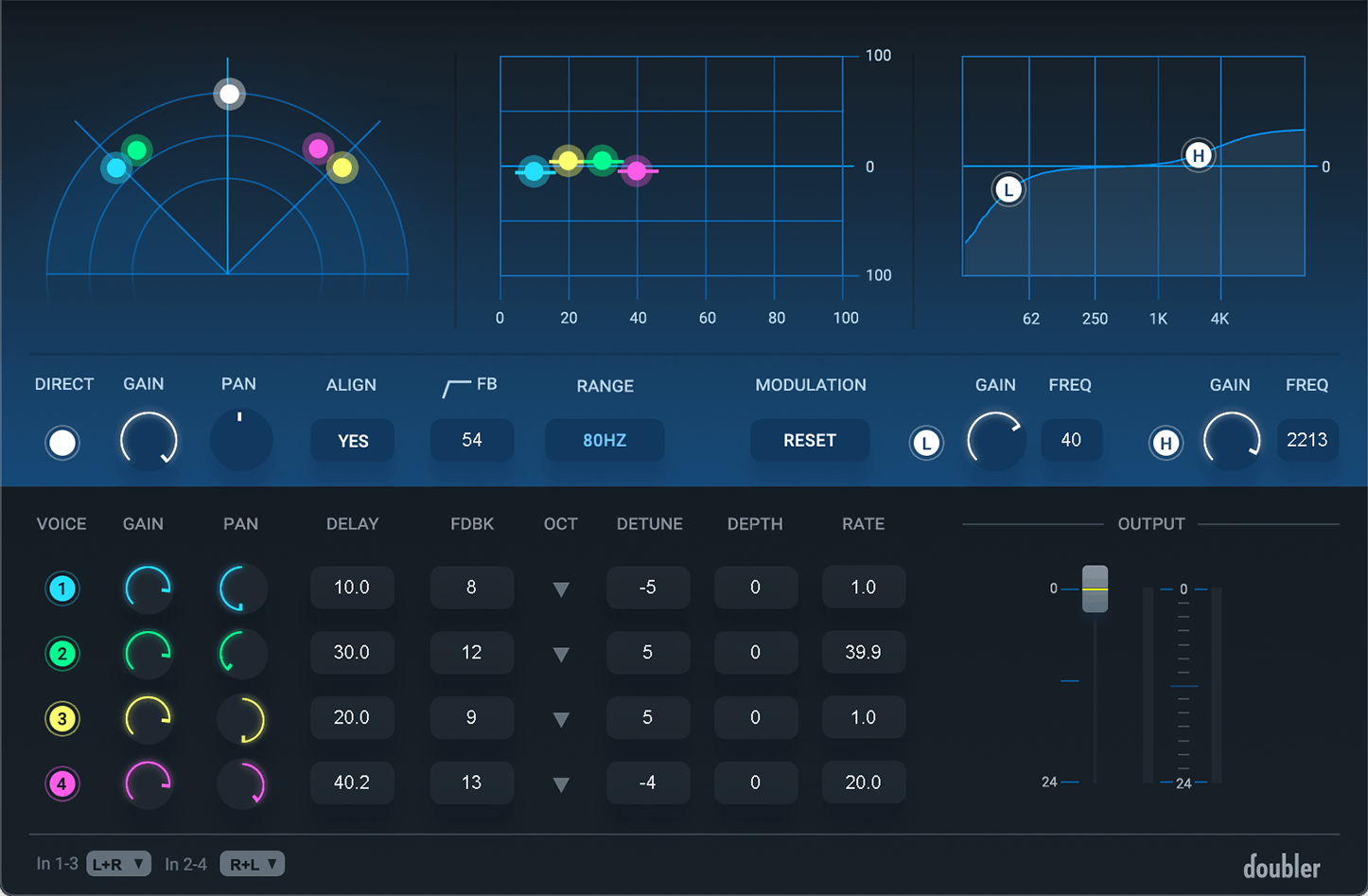
To give the vocal stereo width, try Waves Doubler or Reel ADT on background layers or adlibs. Don’t overdo it — just enough to fill space without clouding the lead.
Real-World Example: “All Away” by Dylan Droll
When I recorded “All Away,” I wanted the tuning to feel present but not robotic. I tracked using Waves Tune Real-Time with fast settings, then built out the chain using CLA-76, RComp, and CLA Vocals. It gave the vocal emotion, space, and clarity — but still sounded natural.

🎧 Listen to “All Away” and more melodic rap on Spotify:
Click here to stream!
Try This Setup Yourself
- 🔗 Try Waves plugins free here
- 🎛️ Download the Pro Tools free trial
- 🎙️ Check out my recommended vocal recording gear
Need Help Getting That Tuned Sound?
If you're trying to build your vocal chain or dial in your tuning settings, I offer mixing, mastering, and 1-on-1 help for artists who want a more professional sound.
Don’t overthink it. The tools are already in your DAW — you just need to use them right.