How to Use Waves Plugins in Pro Tools for a Clean, Radio-Ready Mix (2026 Guide)

If you record or mix vocals in Pro Tools, you’ve probably wondered how to build the right vocal chain using Waves plugins — especially if you’re trying to get clean, modern, radio-ready vocals in a home or small studio setup.
Waves plugins are extremely popular with Pro Tools users because they’re affordable, CPU-friendly, and designed for the exact vocal sound most rappers, melodic artists, singers, and producers want in 2026.
In this guide, I’ll break down the exact Waves plugins to use in Pro Tools, how to place them in your chain, why they work, and how I use them on my own releases — including my newest track “HWY”.
If you want to try any of the Waves plugins mentioned below, here’s the official Waves subscription & free trial:
Try Waves Plugins in Pro Tools (Free Trial & Deals)
Why Waves Plugins Work So Well in Pro Tools
There are three big reasons Pro Tools users rely on Waves:
- Low CPU usage — even big sessions run smoothly.
- Clean, modern sound — exactly what hip-hop and melodic vocals need.
- Simple interface design — easy for beginners to understand.
Whether you’re mixing rap vocals, melodic hooks, R&B verses, ad-libs, or podcasts, Waves gives you everything you need without overwhelming you.

The Best Waves Plugins for Vocal Mixing in Pro Tools (2026)
These plugins form the foundation of almost every Pro Tools vocal chain I build.
1. Waves Tune Real-Time — Real-Time Pitch Correction
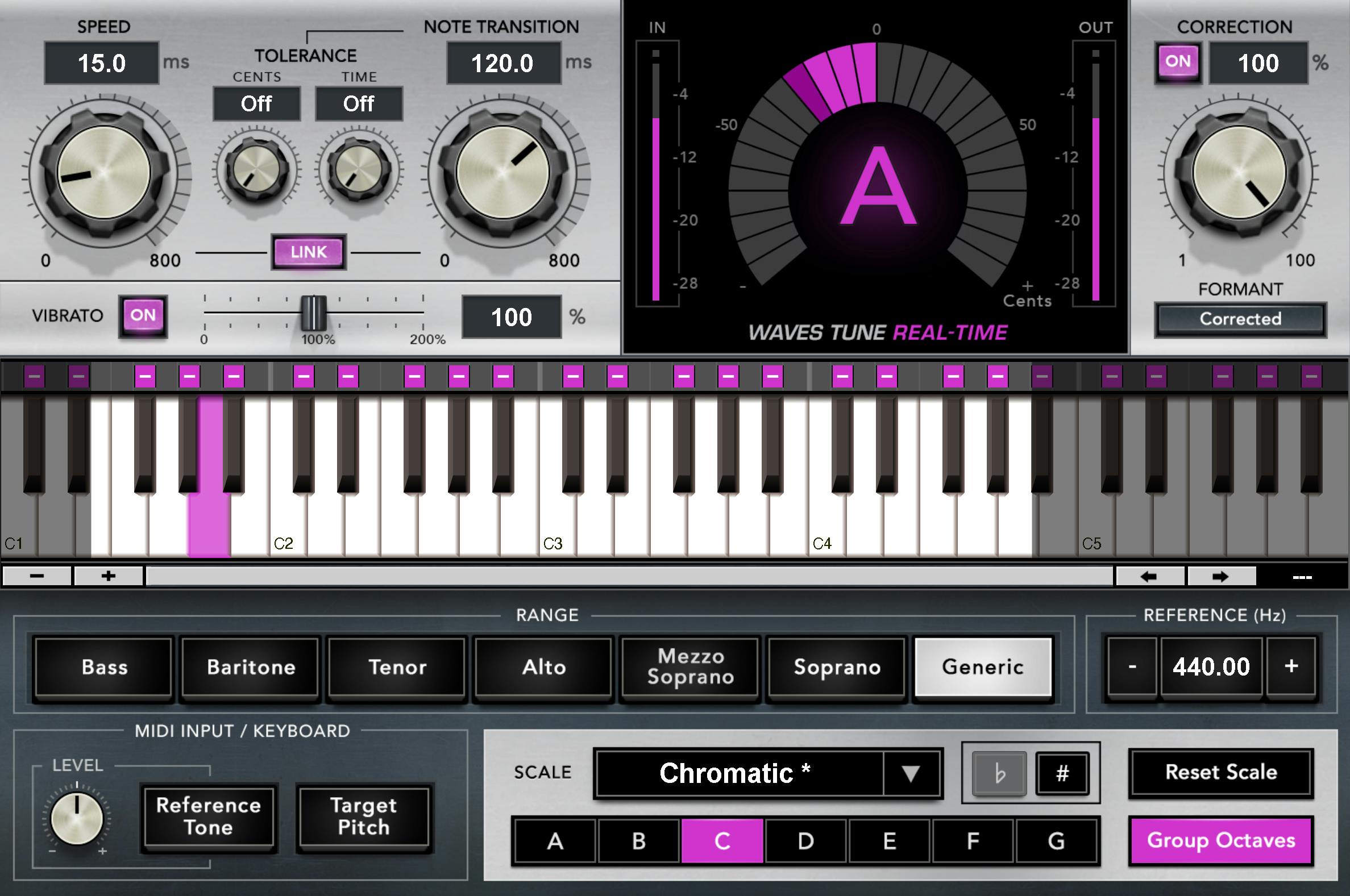
The first plugin on your vocal track is usually tuning. Waves Tune Real-Time works great for:
- Melodic rap
- Trap vocals
- R&B
- Emotional, vibey hooks
It’s more budget-friendly than Auto-Tune and extremely light on CPU, which makes it a perfect fit for home studios.
2. SSL EV2 — Clean, Bright, Modern Tone-Shaping
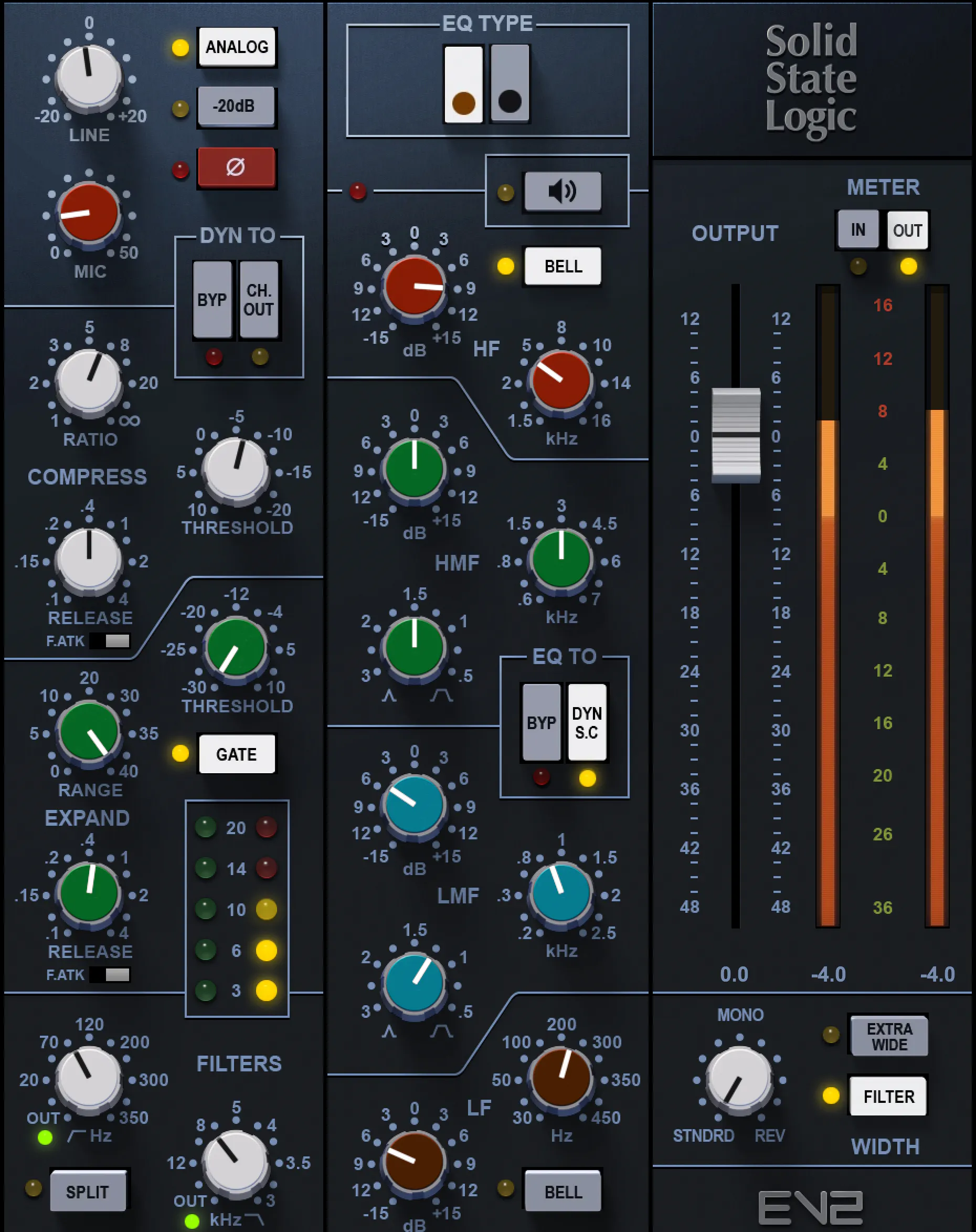
SSL EV2 is often my first “real” processing plugin because it shapes the tone perfectly:
- Brightens dull vocals without harshness
- Tight compression for clean leveling
- Saturation options for extra color
If you want a polished, modern vocal sound, this is one of the best starting points.
3. R-Vox (Renaissance Vox) — The Vocal Secret Weapon
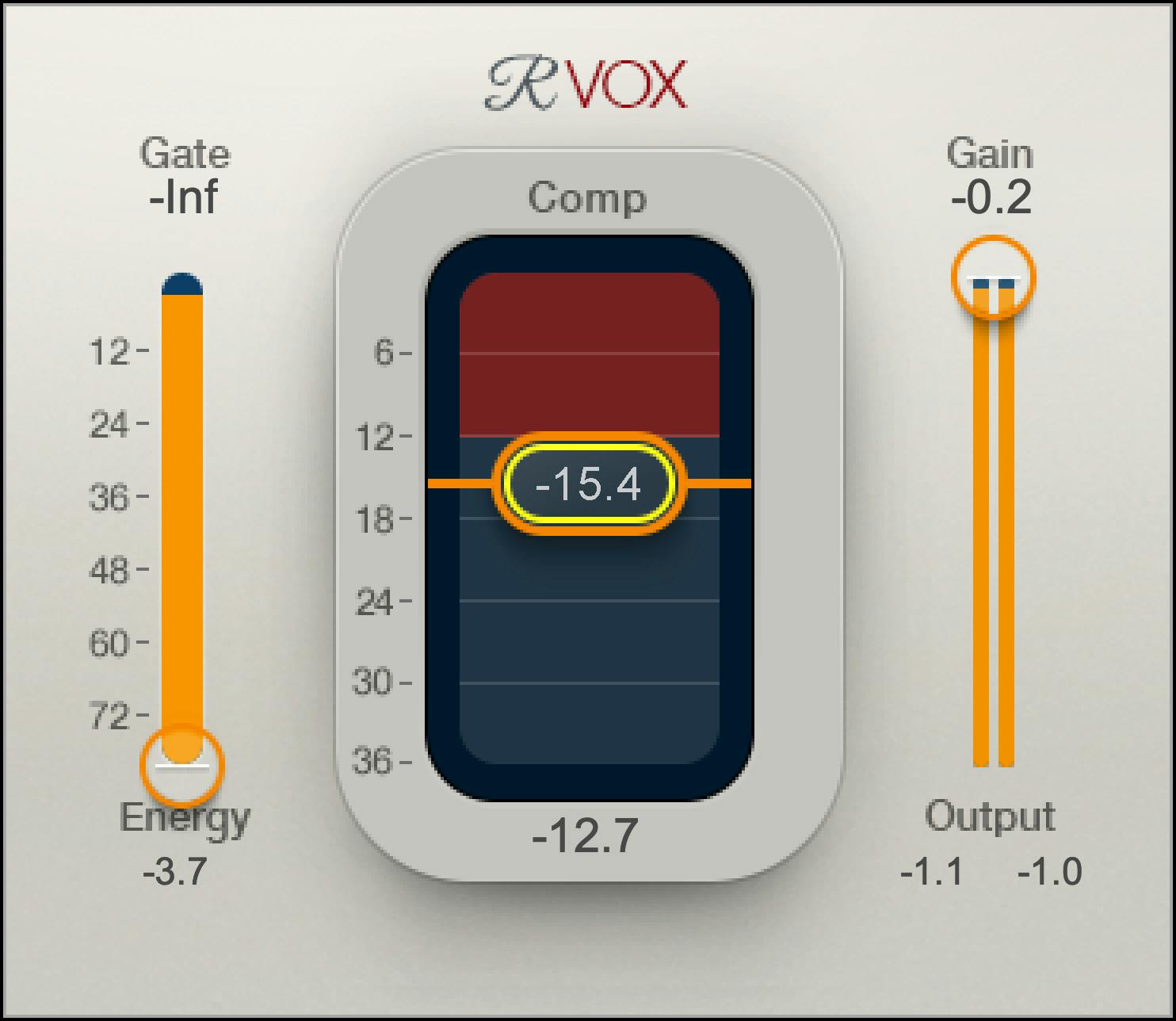
R-Vox brings vocals forward, controls dynamics, and adds presence instantly. It’s one of the most famous Waves plugins ever made.
- Simple
- Musical
- Great for rap, pop, and melodic vocals
4. Waves DeEsser — Clean Sibilance Control
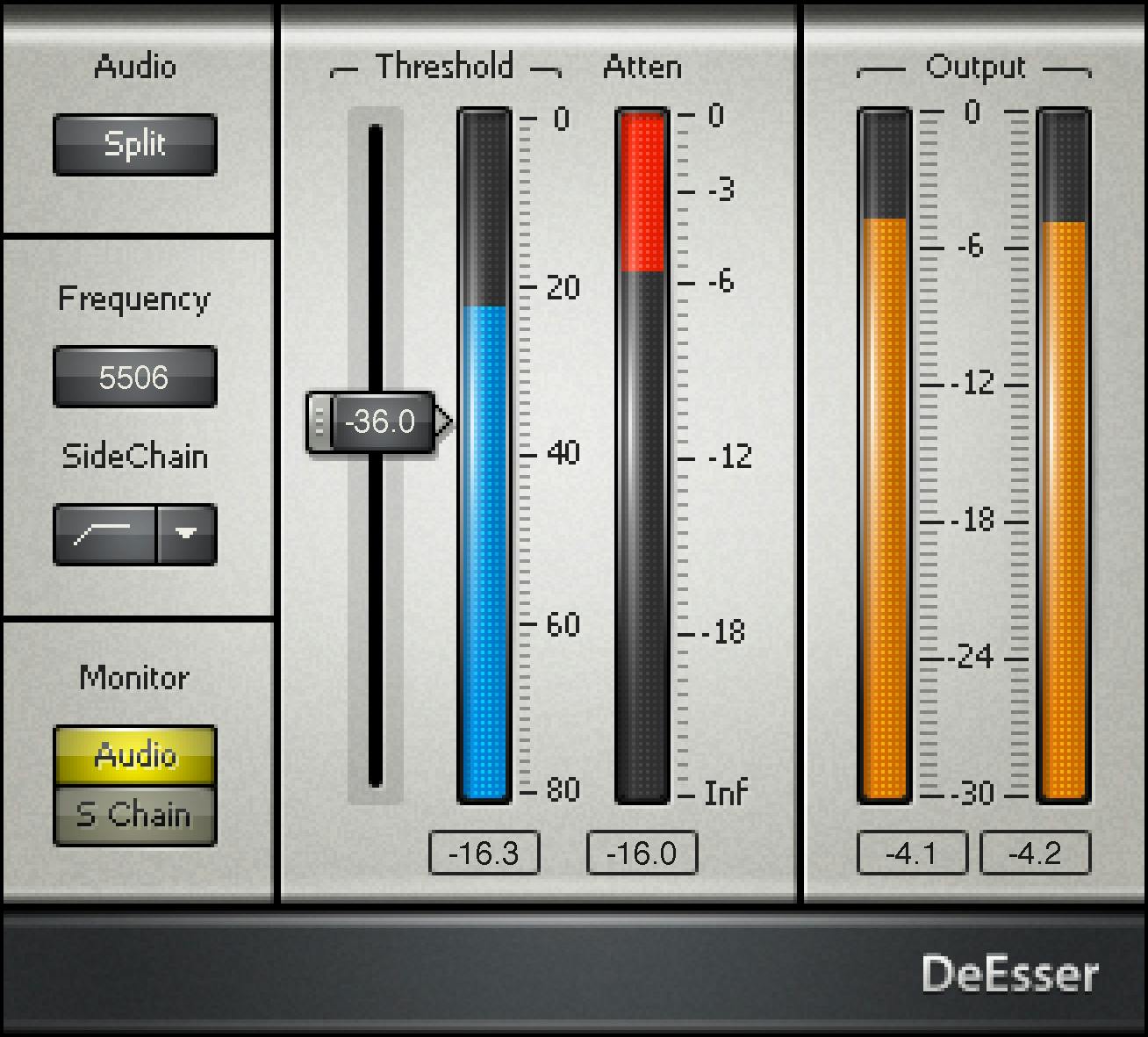
Every modern vocal mix needs de-essing. The Waves DeEsser is clean, fast, and easy to dial in.
Tip: Use two light de-essers instead of one heavy one for best results.
5. R-Comp (Renaissance Compressor) — Smooth Leveling
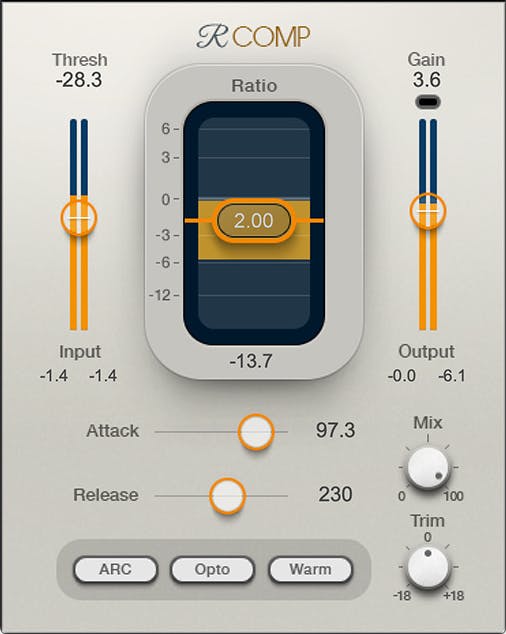
After shaping the tone and controlling the dynamics, R-Comp helps finalize the level and glue the vocal to the beat.
It’s perfect for:
- Melodic rap flows
- Fast rap verses
- Soft R&B vocals
6. H-Delay — The Most Popular Vocal Delay in Modern Mixing
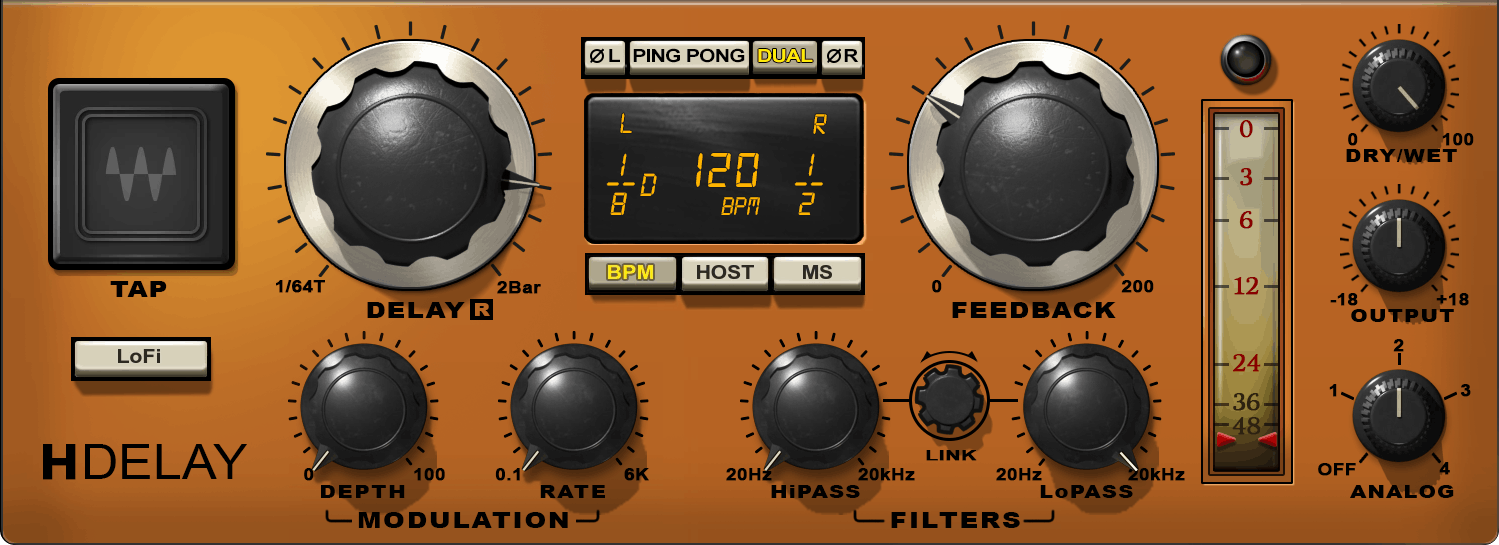
H-Delay is used on almost every style of music. You’ll hear it on hip-hop, pop, alternative, indie, and even country.
- Slapback delays
- Quarter note delays
- Filtered ambience
It works especially well in Pro Tools because automation is clean and responsive.
The Perfect Basic Pro Tools Vocal Chain Using Waves Plugins (2026)
Here’s a beginner-friendly chain you can copy instantly:
- Waves Tune Real-Time (pitch correction)
- SSL EV2 (EQ + compression + tone)
- R-Vox (presence + forwardness)
- DeEsser (remove harshness)
- R-Comp (smooth leveling)
- H-Delay (vibe + space)
This chain gives you a clean, competitive, modern vocal sound — even if you’re brand new to Pro Tools.

Pro Tools Mixing Tips to Make Waves Plugins Sound Better
1. Gain stage your vocals before adding plugins.
Keep your raw vocal around -12 to -18 dB before processing. Waves plugins react cleaner at this level.
2. Use subtractive EQ early.
Remove mud before adding compression. Your chain will sound instantly more professional.
3. Don’t over-compress.
Many new engineers squash vocals. Use gentle compression across multiple plugins instead.
4. Use sends for reverb and delay — not inserts.
Pro Tools is built for send-based mixing. Your vocals will sound bigger, cleaner, and more controlled.
5. Automate your delays.
H-Delay is perfect for Pro Tools automation — especially “throw delays” at the end of phrases.
Should You Use Waves Plugins in Pro Tools in 2026?
Absolutely. Waves plugins are still one of the best investments for home studio creators because:
- They’re stable inside Pro Tools
- They’re affordable
- They’re simple enough for beginners but powerful enough for real work
- They give you the exact sound you hear in modern rap & pop
If you want to try the full Waves ecosystem today, here’s the link:
Explore Waves Plugins for Pro Tools (Free Trial)
Hear How Waves Plugins Sound in My Own Music
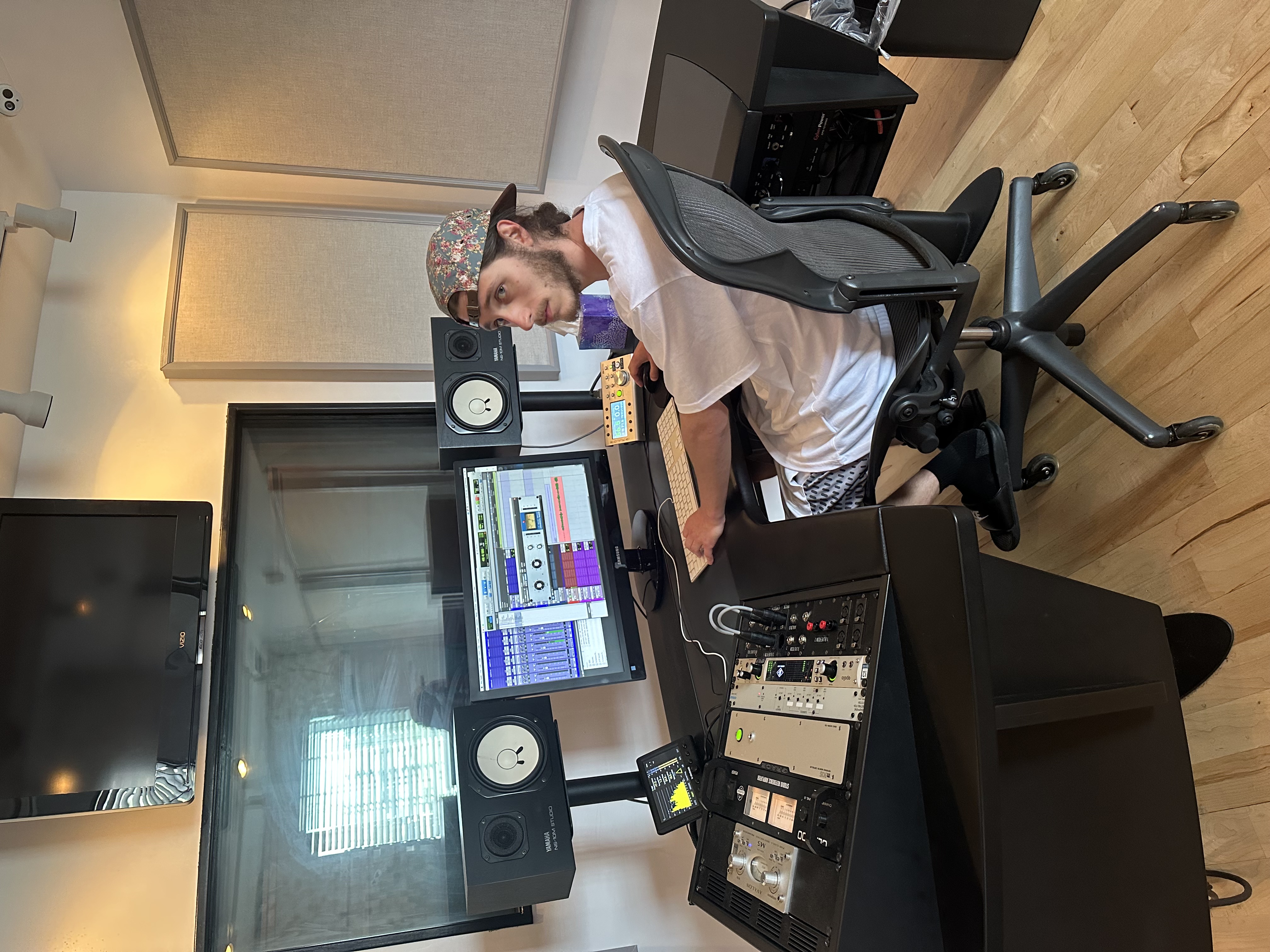
I’m Dylan Droll — an artist and engineer originally from Louisiana, now based in Florida. I mix all my own vocals in Pro Tools using Waves plugins, Antares tuning, and a blend of analog-style tools.
Here are a few songs where these exact Waves chains were used:
Tools I Recommend for Pro Tools Mixing, Vocal Production & Releasing Music
- Waves Plugins — Free Trial & Deals
- Auto-Tune — 14-Day Free Trial
- BandLab Membership — DAW & Mastering Tools
- Amazon Studio Gear List
- CapCut Pro — For Lyric Videos & Social Clips
- DistroKid — Release Your Music Everywhere
Join the Calling Home Records Community
Thanks for reading. If this guide helped you understand how to build a clean vocal chain in Pro Tools using Waves plugins, share it with another artist or producer who’s trying to level up their sound in 2026.