
Waves L4 Ultramaximizer Full Walkthrough: Every Mode Explained
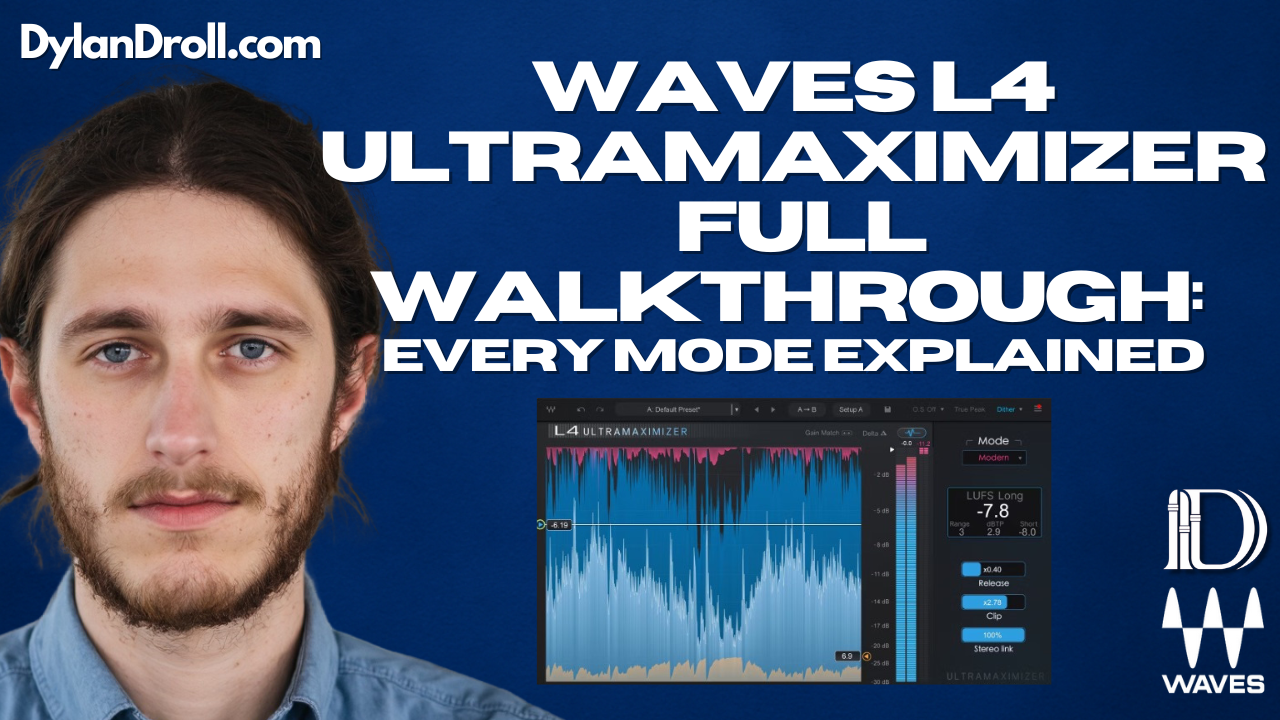
The new Waves L4 Ultramaximizer isn’t just a louder version of the L2—it’s a completely redesigned limiter with five different sonic modes built for modern mixing and mastering.
Each mode gives you a different vibe and response, so you can match the limiting style to the sound of your track. In this guide, I’ll break down what each mode does and when to use it—whether you’re working on vocals, 808s, full mixes, or even live performances.
🎛️ Overview: What Are the Modes in Waves L4?
- Modern – Clean, transparent, punchy (great for pop and polished rap)
- Aggressive – Bold, saturated, gritty (perfect for 808s, drill, trap)
- Safe – Subtle, musical, smooth (ideal for acoustic or dynamic vocals)
- Smooth – Gentle and warm (great on instruments, lo-fi, or chill mixes)
- L2 Legacy Mode – Classic digital limiting from the OG L2 plugin
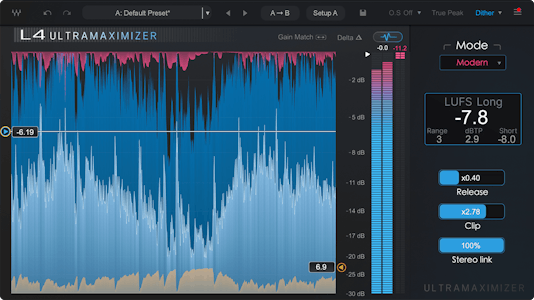
Each mode hits differently—and if you’ve used the L2 in the past, this new L4 gives you way more flexibility to match the limiter to your genre and goals.
🔊 Modern Mode: Clean and Loud
Best for: Pop vocals, melodic rap, radio-ready masters
Modern mode is your go-to when you want clarity and loudness with no audible artifacts. It keeps transients intact while giving you a balanced final sound. This is what you’d use when you want that “finished” gloss with just the right amount of punch.
🔥 Aggressive Mode: Grit and Punch
Best for: 808s, drill beats, bass-heavy trap, DJ sets
Aggressive mode adds saturation and a more forward push to the sound. Perfect for hip-hop, EDM drops, or anything that needs to slam. It’s especially dope on a drum bus or low-end heavy instrumental sections.
🎙️ Safe Mode: Controlled and Musical
Best for: Singer-songwriter, acoustic vocals, melodic verses
Safe mode is a smoother, more transparent limiting style that preserves dynamics and transients even more than Modern mode. It works great when you're trying to protect emotional performance or detail—especially on vocals, strings, or quiet sections.
🌫️ Smooth Mode: Soft and Warm
Best for: Chill mixes, ambient, lo-fi, guitars, synth pads
Smooth mode rounds everything out gently. It’s perfect if you're working on indie, lo-fi, or anything mellow where you want to tame peaks without calling attention to the limiter.
📼 L2 Legacy Mode: The Classic
Best for: Everything you used the original L2 for—but better
This bonus mode emulates the classic Waves L2 Ultramaximizer. It’s perfect if you’re loyal to that familiar tone but want the benefits of the new L4 GUI and features (like LUFS metering, upward compression, and adaptive release).
🎧 Want to Hear It in Action?
Check out this video demo that shows off the plugin on real sessions:
🧠 Pro Tip: Try L4 on More Than Just the Master Bus
This isn’t just a mastering limiter. I’ve gotten great results using Waves L4 on:
- 🎙️ Lead vocals to add presence and density
- 🥁 Drum bus to control peaks and add glue
- 🎹 Synths or keys to smooth out dynamics
- 🎚️ Instrument groups during mixing for extra tightness
Try It Out While It’s Still on Sale
The Waves L4 Ultramaximizer is only $49.99 during its intro price launch. You’ll get 5 limiter styles, LUFS tools, upward compression, and true peak limiting all in one clean interface.

🔗 Click here to try Waves L4 via my affiliate link – it helps support this blog and my music.
Recommended Tools I Personally Use
- 🎧 Waves Ultimate Subscription – Get L4 + every other plugin they make
- 🚀 DistroKid – Upload your songs to Spotify, Apple Music, and more
- 🎬 CapCut – Create promo visuals, music reels, lyric videos, and ads
Hear How I Use It
▶️ Stream “All Away” by Dylan Droll

If you're working on a track and want help dialing it in, hit me up for mixing and mastering services.