
Waves L4 vs L3 vs L2 (2026 Guide) — Which Waves Limiter Is Best for Your Mix?
If you care about loud, clean, modern-sounding music in 2026, you’re going to run into this question sooner or later:
“Should I use Waves L4, Waves L3, or Waves L2 on my master?”
All three are classic Waves limiters. All three can get your mix loud enough for Spotify, YouTube, TikTok, and everything else. But they don’t sound the same, and they don’t react to your mix the same way.
In this guide, I’ll break down Waves L4 vs L3 vs L2 specifically for rappers, melodic artists, singers, producers, and home studio engineers who want loud, competitive mixes without destroying the emotion of the song. I’ll also share how I approach limiters on my own music, including my newer track “HWY”.
Waves L4 vs L3 vs L2 — Quick Overview
All three of these plugins are part of Waves’ limiter/maximizer family, but they’re built for slightly different eras and use cases:
- Waves L2 Ultramaximizer – the classic brickwall limiter. Simple controls, fast, punchy, and still everywhere in 2026.
- Waves L3 Multimaximizer – a multiband limiter. More control over frequency ranges, more transparent than L2 when used right.
- Waves L4 Ultramaximizer – the newer, more advanced limiter. Aimed at modern streaming masters with cleaner loudness and improved detail.
The real question isn’t “Which one is best on paper?” — it’s:
Which limiter actually fits your mix, your genre, and the way you like your music to feel?
If you want to try them inside the Waves ecosystem, you can do that through the Waves subscription:
Check out Waves Plugins & Limiters (Free Trial & Deals)
And if you specifically want the Waves L4 Ultramaximizer:

Waves L2 — The Classic Brickwall Limiter
Waves L2 is one of the most recognizable limiters ever made. You’ll still find it on tons of mastering chains, old and new.
What it does best:
- Fast, simple loudness – output ceiling, threshold, and a few shaping controls. You don’t get lost in menus.
- Punchy, in-your-face sound – especially on aggressive rap, trap, and 808-heavy beats.
- Great for rough masters and demos – easy to slap on the end of your mix and push.
Where L2 can struggle in 2026:
- Big, wide, cinematic mixes with a lot of dynamics.
- Emotional melodic vocals that need space to breathe.
- Very bright mixes, where pushing too hard can start to sound harsh.
For raw, energetic hip-hop and quick “let me hear this loud right now” moments, L2 still does its job. But if you’re trying to compete with modern, polished streaming releases, you might find it a bit aggressive on its own.
Waves L3 — Multiband Control and More Transparency
Waves L3 takes the limiting idea further by splitting your signal into multiple frequency bands. Instead of one limiter reacting to everything, different bands can be limited independently.
Why that matters:
- Your low-end doesn’t crush the vocals when the bass hits.
- Harsh frequencies can be controlled more smoothly at the limiting stage.
- You can often get more loudness with less obvious distortion.
L3 is great for:
- Melodic rap, R&B, and pop where clarity and space matter.
- Songs with a lot of layers: guitars, pads, ad-libs, harmonies, effects.
- Engineers who want more control without totally changing their chain.
The trade-off:
- It’s easier to overdo it if you don’t understand what each band is doing.
- It’s more of a “mastering tool” than a quick slap-on limiter for beginners.
If you’ve outgrown L2 and you’re starting to hear how your low-end fights your midrange or your top-end, L3 is a natural step forward.
Waves L4 — Modern Loudness for Streaming in 2026
Waves L4 Ultramaximizer is the more modern answer to “How loud can I go without killing the song?” It builds on what people liked about L2 and L3, but updates the sound for current streaming expectations.
What stands out about L4:
- Cleaner loudness at similar levels compared to older limiters.
- Improved clarity in the mids where vocals and main instruments live.
- Better handling of low-end so 808s feel controlled instead of choked.
- More open top-end without getting painfully harsh when pushed.
On an emotional track or melodic rap record, L4 can keep the feeling intact at competitive volume. That’s a big deal if you’re working on songs where the vocal performance actually matters.
If you want to test L4 on your own mixes:
Get Waves L4 Ultramaximizer | Try Waves Plugins with a Free Trial

Waves L4 vs L3 vs L2 — How Do They Actually Sound?
In real sessions, this is how I tend to describe them:
- L2 – punchy, aggressive, a little old-school in a good way. Great for raw rap and quick, loud demos.
- L3 – more controlled, smoother, and more transparent at higher levels because of the multiband design.
- L4 – loud, but more “hi-fi.” It feels like it was made for modern Spotify, Apple Music, and YouTube masters.
On an emotional or melodic track, L4 often wins because it doesn’t flatten the performance as much. On a dirty, aggressive track, you might actually like the way L2 smacks the transients.
Workflow and Ease of Use
If you’re just learning how to master, the user experience matters a lot.
- L2 – very simple. Threshold down, ceiling set, maybe adjust release and shaping. Easy to learn what a limiter is doing.
- L3 – more knobs, more bands, more decisions. It can sound great, but it demands more attention.
- L4 – more modern interface, but still approachable. It feels like a “next step” once you understand basic limiting.
If you feel overwhelmed, start with L2. Once you hear what limiting does to your mixes, step up to L3 or L4 to see how much cleaner things can get.
Waves L4 vs L3 vs L2 — Quick Comparison Table
| Feature | Waves L2 Ultramaximizer | Waves L3 Multimaximizer | Waves L4 Ultramaximizer |
|---|---|---|---|
| Overall Sound | Punchy, aggressive, classic loudness | Smoother, more controlled multiband limiting | Modern, clean, detailed loudness |
| Best Use Cases | Rap, trap, quick demos, rough masters | Pop, R&B, melodic rap, layered mixes | Streaming-ready masters, emotional songs, modern releases |
| Complexity | Simple and fast | More advanced, multiband controls | Modern interface, mid-level complexity |
| Transparency at High Levels | Can get crunchy when pushed hard | More transparent if dialed in correctly | Very clean for modern loudness targets |
| Learning Curve | Great for beginners | Better for intermediate/advanced users | Good once you understand basic limiting |
| Ideal User | Artists and producers who want quick punch | Mixers who need detailed control | Creators aiming for polished, competitive streaming masters |
In short, L2 is your “instant loud” classic, L3 is your controlled multiband tool, and L4 is the modern option built for the way music is released and heard now.
Which Waves Limiter Should You Use?
Here’s the simple way I think about it when I’m working with independent artists:
- If you’re a beginner and just need something loud: Start with L2. Learn what a limiter does and how it changes your mix.
- If you’re mixing more melodic or dynamic songs: Try L3 to keep your vocals and instruments cleaner while still getting loud.
- If you want the most modern, polished loudness for streaming: Go with L4. It’s built for that lane.
You don’t have to own everything at once. The most important thing is picking one tool, understanding how it responds, and using it consistently in your mastering chain.
Explore Waves Plugins & Limiters (Free Trial & Deals) | Get Waves L4 Ultramaximizer

Hear How I Use Limiters on My Own Music
I’m Dylan Droll — an artist, recording engineer, and creator originally from Louisiana and now based in Florida. I make melodic, emotional rap and help independent artists get better-sounding mixes from home and small studio setups.
If you want to hear how limiters like L2, L3, and L4 actually affect a finished song, start here:
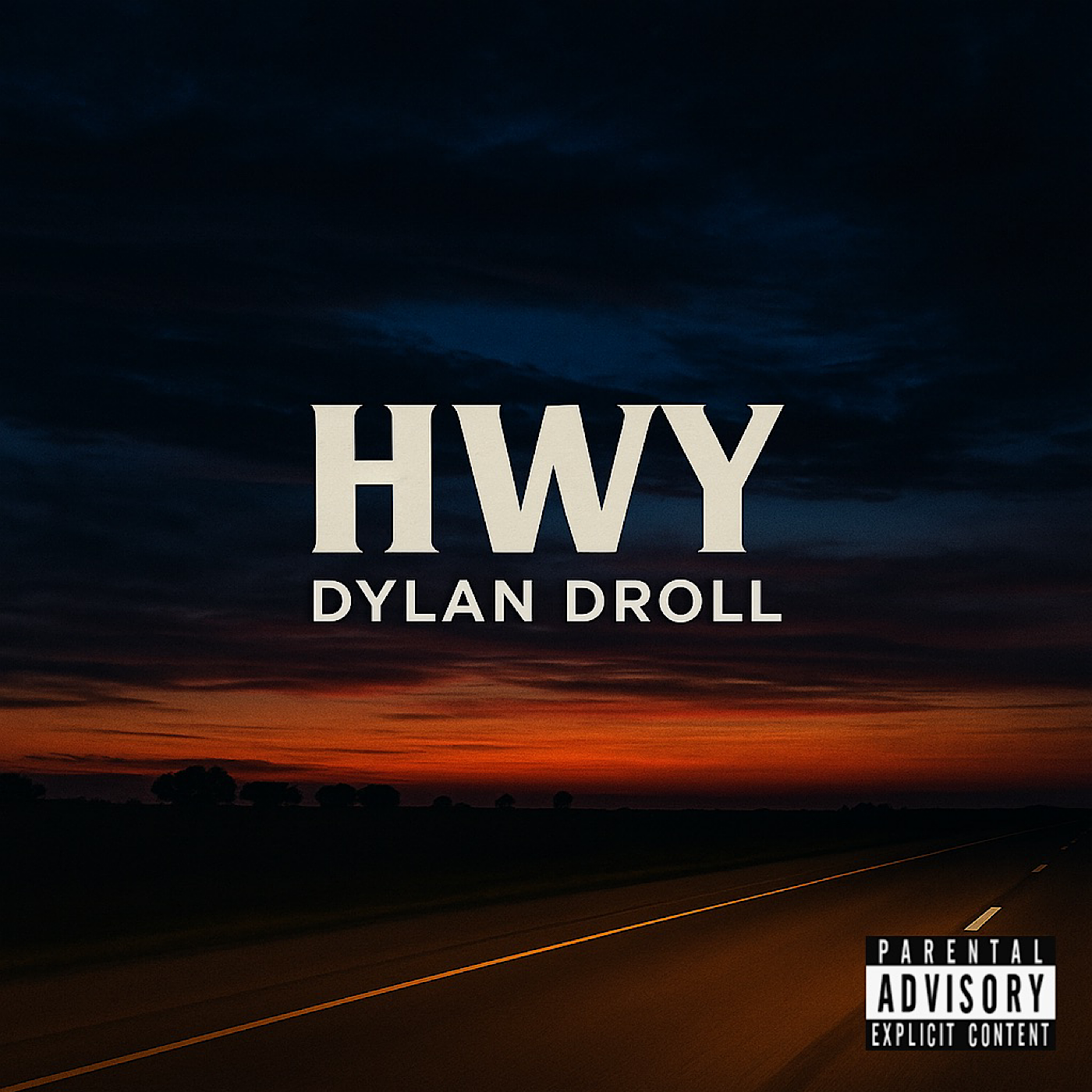
- Listen to my song “HWY” — emotional, melodic, and built for late-night drives.
- Stream my single “All Away”
- Best of Dylan Droll — Spotify Playlist
Tools I Recommend for Mixing, Mastering and Releasing Your Music
These are some of the tools I use and recommend for home studio artists and independent creators. Some of these links help support the blog at no extra cost and let me keep making guides like this for free.
- Waves Plugins & Limiters — Free Trials & Deals
- Auto-Tune — 14-Day Free Trial from Antares
- BandLab Membership — DAW, Mastering & Creator Tools
- My Recommended Amazon Home Studio Gear List
- CapCut Pro — My Go-To for Mobile and Social Video Editing
- DistroKid — Release Your Music on All Platforms
- Amazon Music — 3-Month Free Trial
Join the Calling Home Records Community
- Join the Calling Home Records Discord — connect with artists, producers, and engineers building something different.
- Work with me — Mixing, Mastering & Vocal Production

Thanks for reading. If this breakdown of Waves L4 vs L3 vs L2 helped you understand which limiter to use on your mixes, feel free to share it with another artist, producer, or engineer who wants louder, cleaner music in 2026. Keep creating — the world really does need what you make.