
How to Record Professional Vocals at Home Without Breaking the Bank
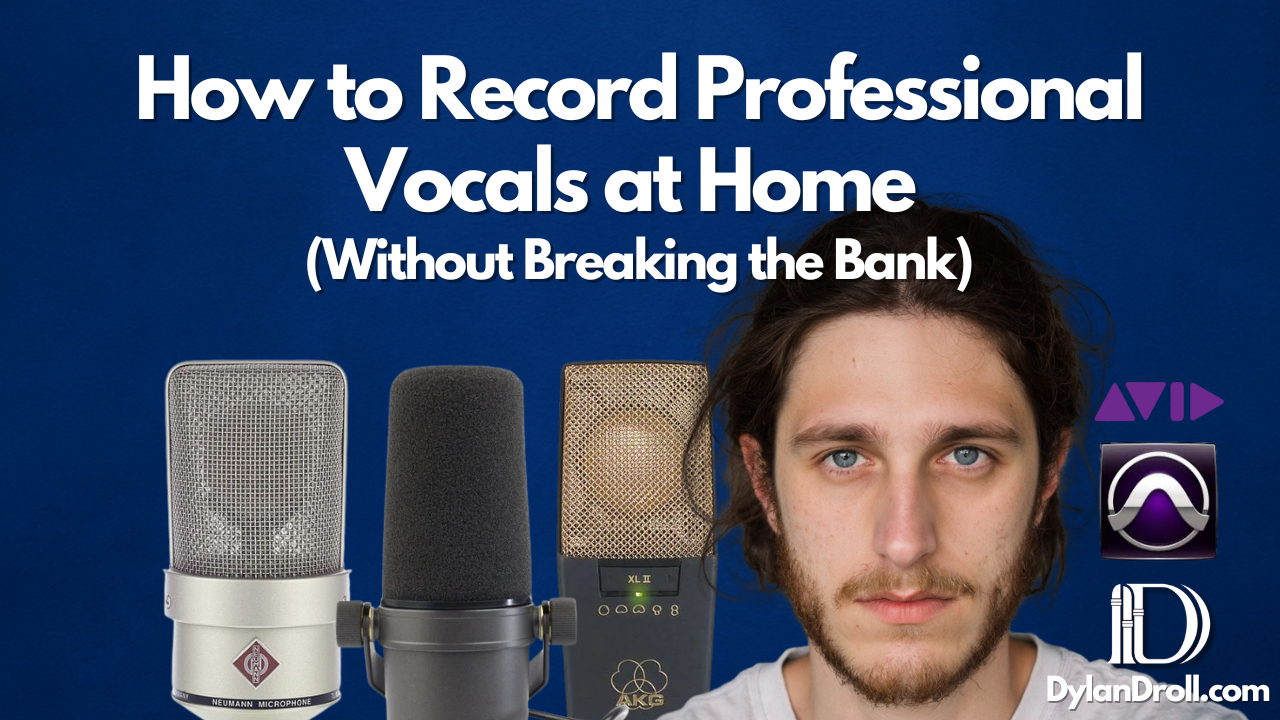
You don’t need a million-dollar studio to make your vocals sound clean, emotional, and powerful. I’ve been recording vocals since middle school—from closets to blanket forts to real studios—and one thing I’ve learned is this: it’s all about how you use what you have.
In this guide, I’ll walk you through exactly how to build a budget vocal recording setup that still gets professional results. Whether you’re just starting out or looking to improve your current setup, I’ve got you. This is the same approach I’ve used as an artist, songwriter, and engineer to record some of my most streamed songs like “All Away” and “Almost.”
1. The Gear You Actually Need (Budget Vocal Recording Setup)
You don’t need a Neumann mic or a $5,000 preamp to sound professional. Here's what I recommend if you’re working with a budget:
- USB Microphone (No Interface Needed)
Rode NT-USB or Audio-Technica AT2020 USB are both great starts - XLR Microphone + Audio Interface Combo
Focusrite Scarlett Solo + Rode NT1 or Audio-Technica AT2035 - Pop Filter & Mic Stand (absolute musts)
- Closed-Back Headphones like the Audio-Technica M50x

▶️ Everything listed above is available on my Amazon Creator Essentials List.
▶️ Want better control in your mix? Try Waves Audio plugins — they’re part of my daily workflow.
2. Create a DIY Vocal Booth at Home
You don’t need to build a full vocal booth to reduce echo and noise. Here are real DIY solutions I used myself:
- Record in your closet with clothes hanging
- Hang up moving blankets or thick comforters in a corner
- Use a mattress behind you to catch reflections
- Add foam panels or isolation shields over time

This is how I recorded most of my early songs, and honestly, some of those sessions felt more emotional and real than anything in a fancy studio.
3. Microphone Placement Techniques for Vocals
This one changed the game for me. When I started tweaking how I positioned the mic and how far I stood, my vocals instantly felt tighter.
- Stay 5–8 inches away with a pop filter
- Avoid speaking directly into the mic capsule—slight angles help
- Record in a treated area to reduce harsh reflections
4. Vocal Gain Staging Tips & Signal Levels
Even with a budget setup, gain staging is what separates clean vocals from distorted ones:
- Set your interface input gain so your loudest takes peak around –6dB to –10dB
- Watch for clipping and keep things dynamic
- Use Waves plugins like Renaissance Vox or CLA-76 to gently control levels
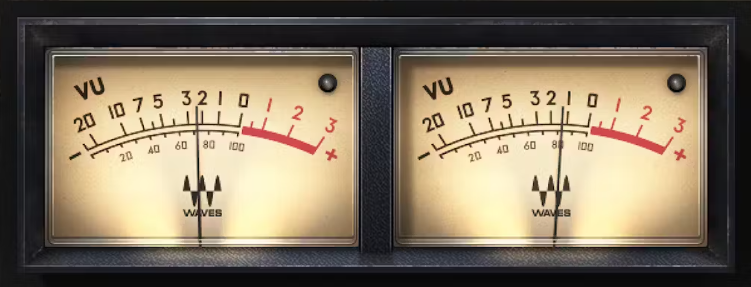
▶️ I highly recommend checking out Waves Audio’s free trial. It’s how I learned to properly tame my vocals in real time.
5. Acoustic Treatment for Vocal Recording
Treating your space doesn’t mean tearing down walls. Start simple:
- Use reflection filters or acoustic foam on the wall behind your mic
- Bass traps in corners if your room is boomy
- Record away from windows and reflective surfaces
I recorded the second verse of “All Away” almost a year after the first, and it still matched because I kept my treatment consistent—even though it was just a corner setup with foam and blankets.
6. Recording Workflow Tips from My Sessions
Here’s what works for me:
- Always warm up with throwaway takes to get in the zone
- Record 3–5 takes in a row and comp later
- Don’t overthink—capture emotion first, perfect later

Sometimes I’ll light a candle, dim the lights, and freestyle with a rough mix going. Keep the energy right—it always shows up in the vocals.
7. Release & Stream Like a Pro (Even from Home)
Once you’ve recorded your vocals, release them with confidence. I use DistroKid to upload all my music, and I track everything through Amazon Music—you can even stream my full catalog there.
A Personal Note from Dylan Droll
I’ve made music in garages, in my car, in apartments with neighbors banging on the wall. But every single session taught me something—and helped me get closer to my sound. You don’t need a fancy studio. You need heart, and maybe a little guidance.
If anything I’ve shared here helps you get started or go further, feel free to check out the links above. Every product and service I mention is something I actually use—and you can grab them through my links if you’re ready to build your sound.
If you need more help, want mixing services, or want to hear how I use this gear in my own music, visit dylandroll.com/services.

Just start where you are. I promise, it’s enough.
— Dylan Droll